Give your friends $10 off their first order!
Refer a FRIEND








A project from our live show CREATE AND CRAFT TV - Join Toni for her brand new launch show 2 - broadcast 25th Oct 23 · 10/25/2023 · watch it from 26:45
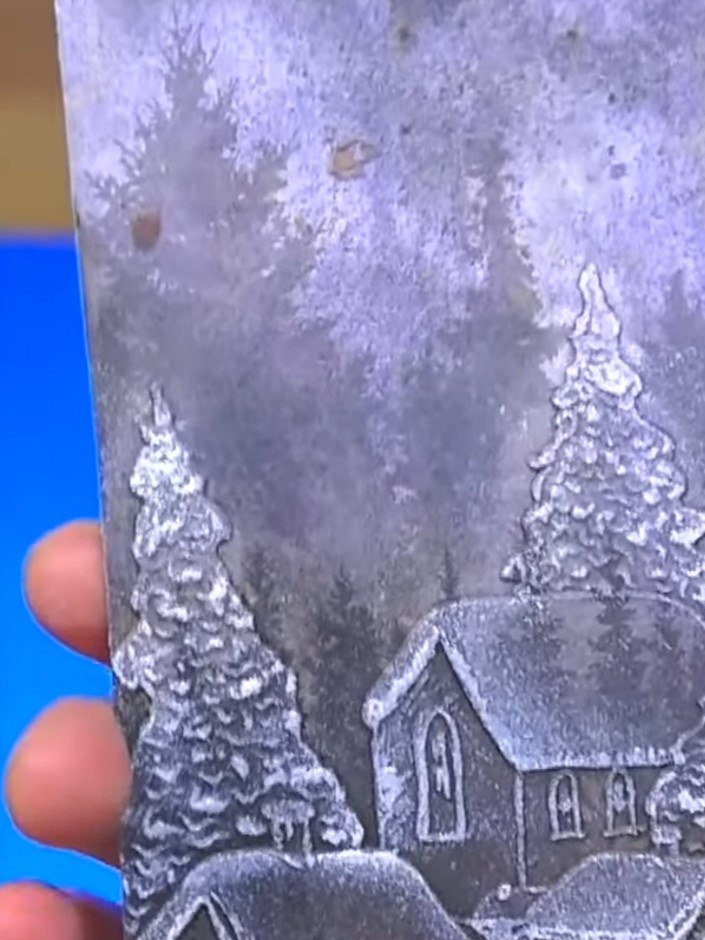
Create a vintage-style Father Christmas card by embossing a detailed Santa design onto kraft card. Enhance the embossed image with brown ink to achieve an aged leather effect, then add hand-painted red and green details to bring warmth and character to this nostalgic festive piece.
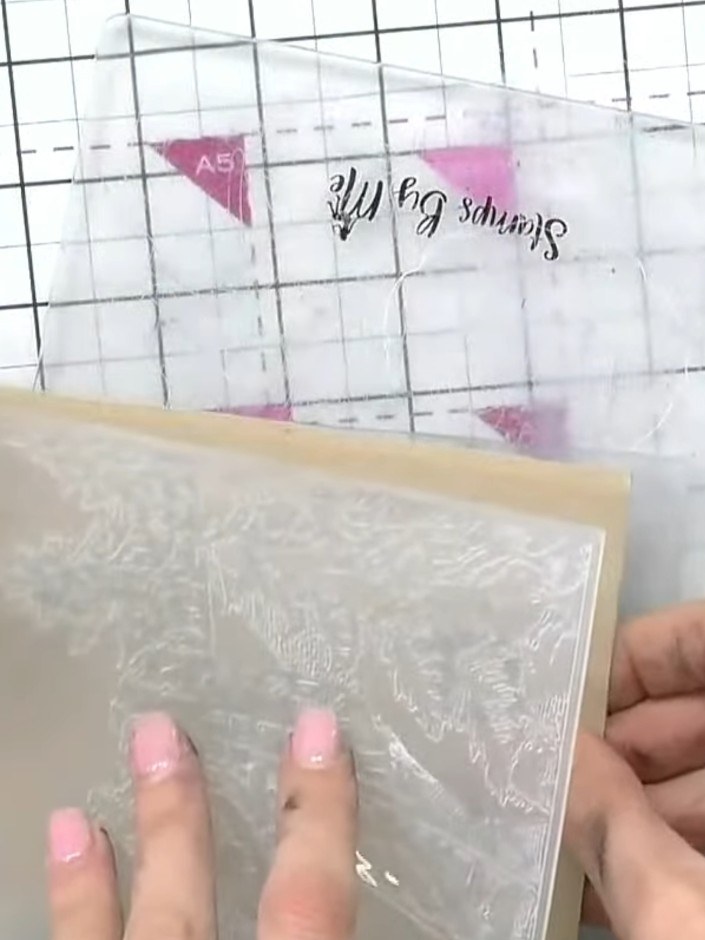
Place your craft card into the embossing folder without inking it first. Position the card carefully within the folder to ensure the design will emboss in the desired location.
▶ watch this step (26:45)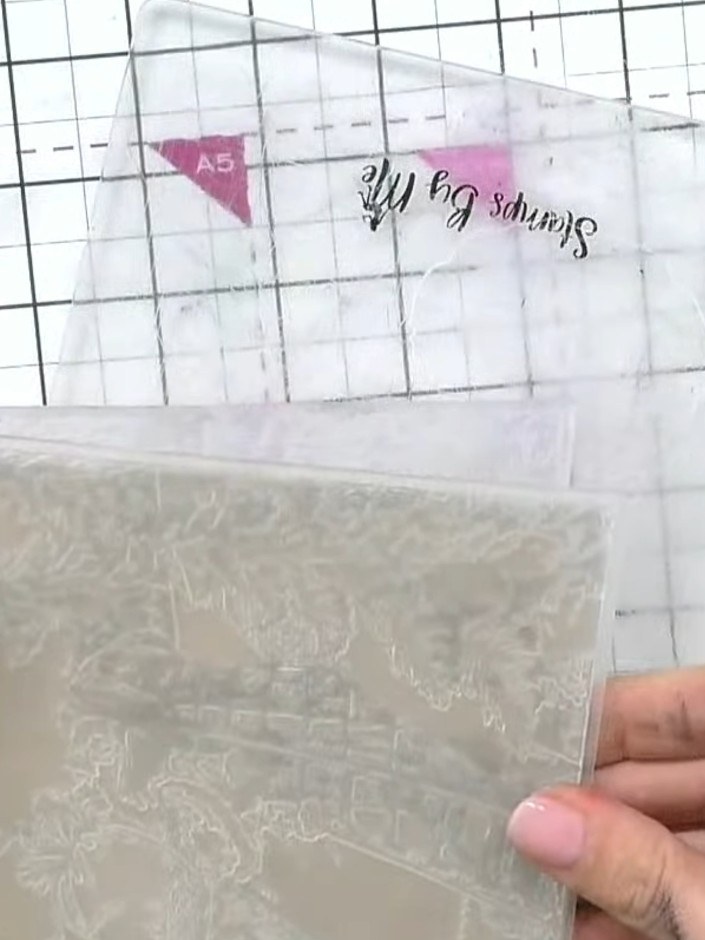
Place the embossing folder with your craft card inside through your die-cutting machine to create the embossed Father Christmas design on the card.
▶ watch this step (27:00)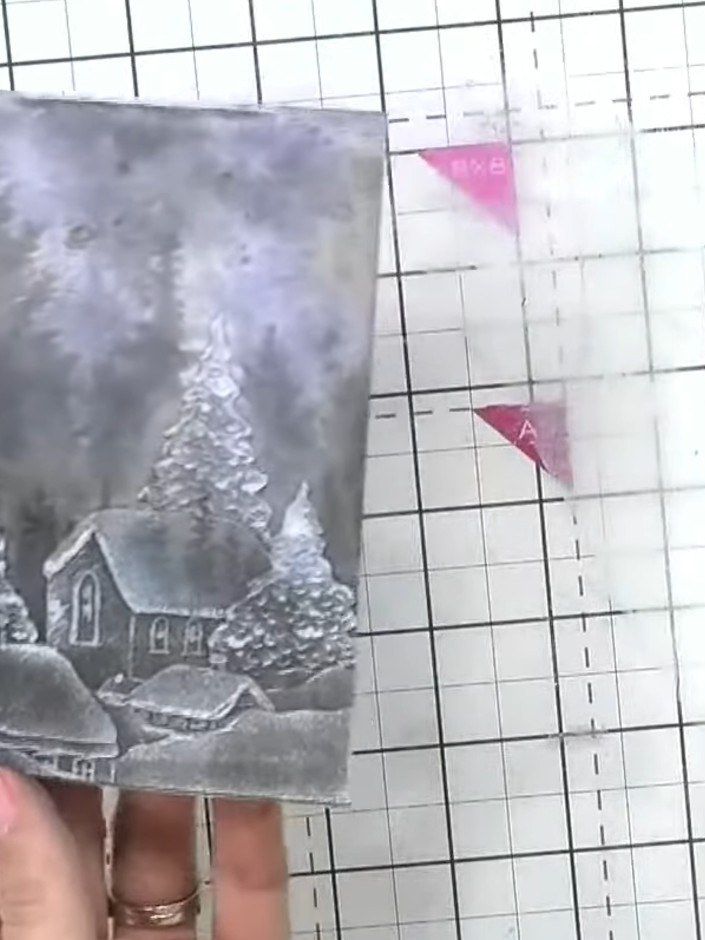
Tap a brown ink pad over the embossed surface to highlight the raised details and create definition on the winter scene.
▶ watch this step (27:30)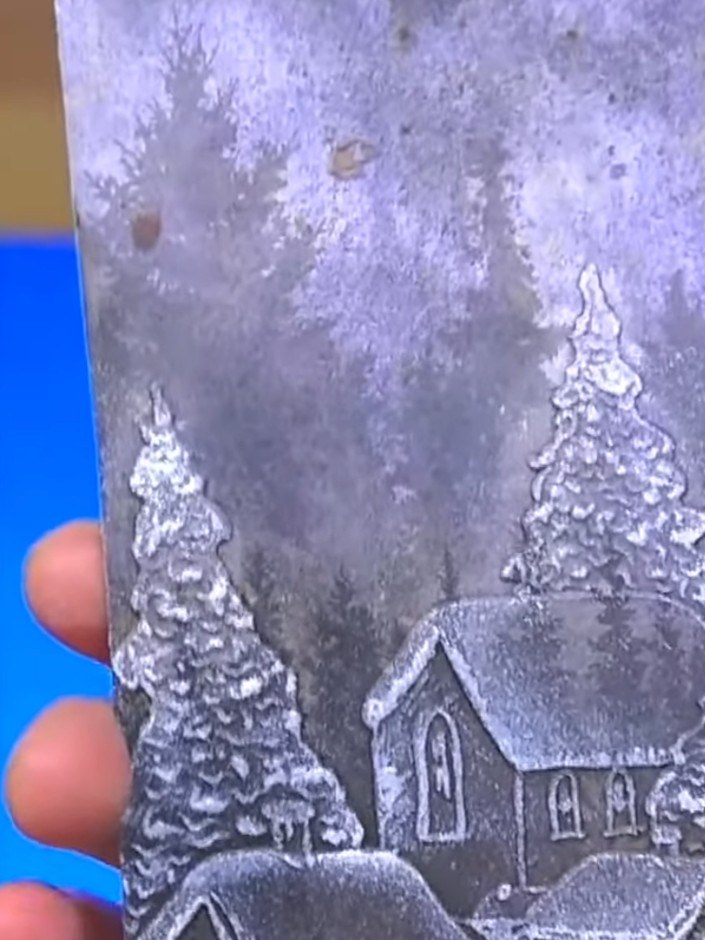
Apply darker brown ink to the top portion of the embossed design to create contrast and depth. Use a dabbing motion to build up the colour gradually on the raised areas.
▶ watch this step (28:15)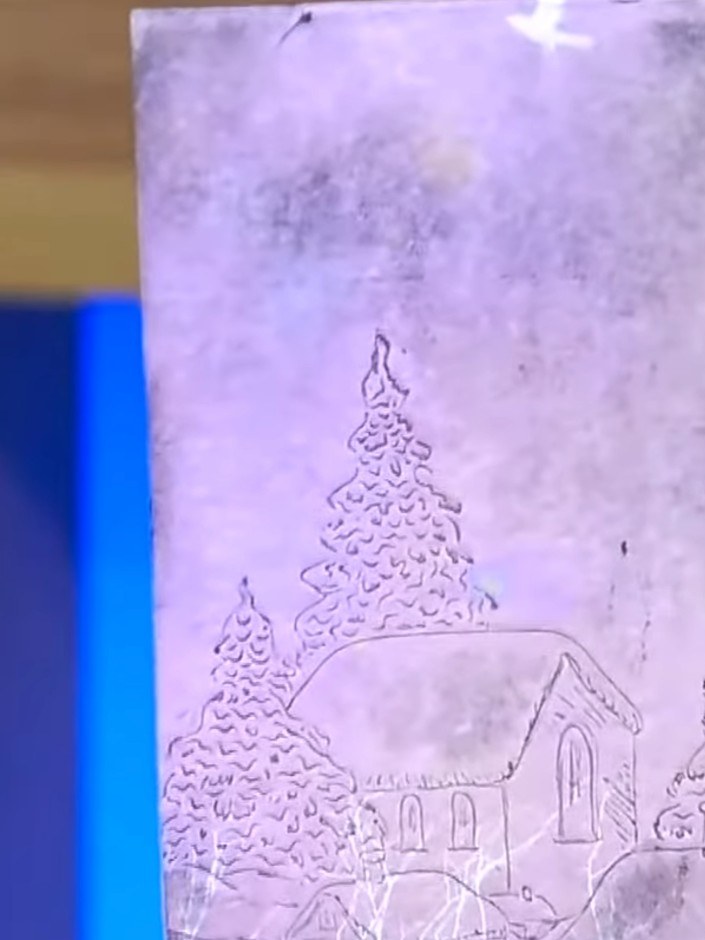
Allow the embossed ink to dry completely before proceeding to the next step.
▶ watch this step (28:45)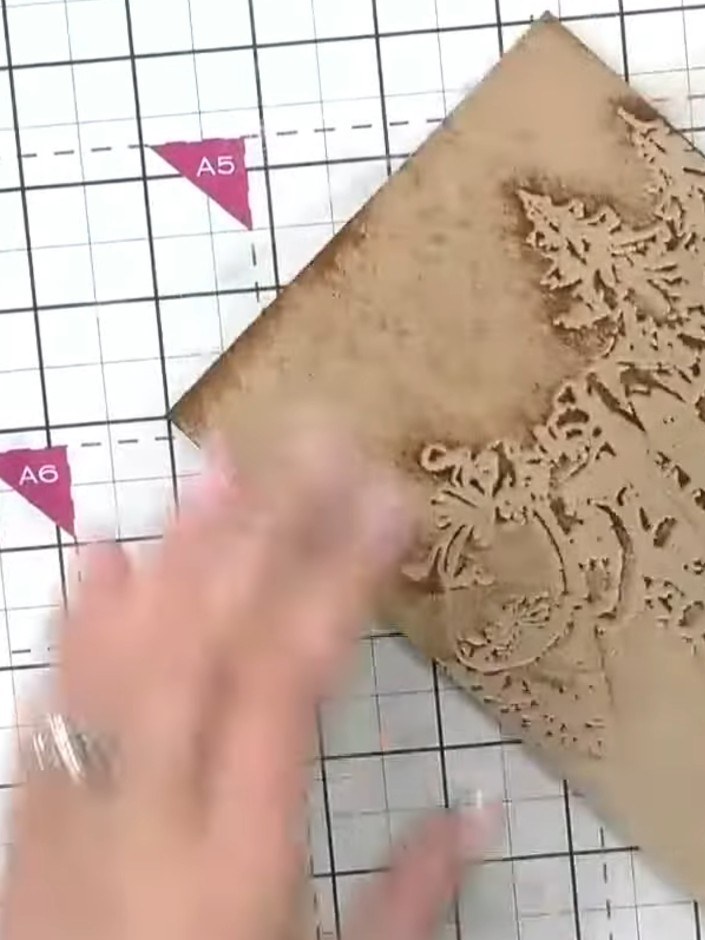
Using a small brush, carefully hand-paint red paint into the raised areas of Santa's suit on the embossed design. Pick up the excess paint from the debossed areas to keep the detail crisp and clean.
▶ watch this step (29:00)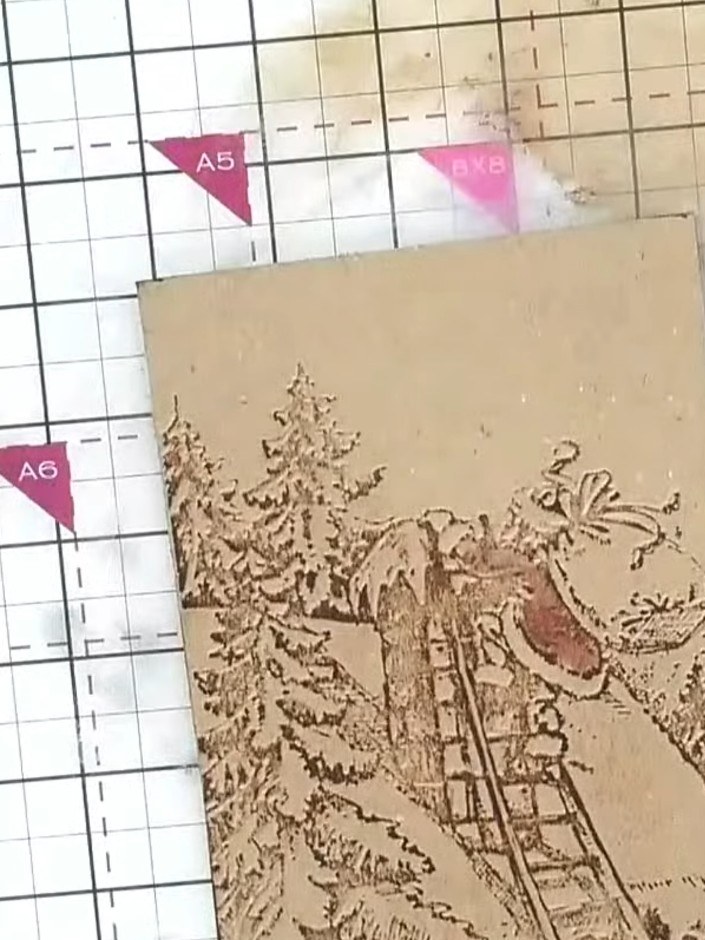
Mount the finished embossed and painted piece onto your card base, ensuring it is centred and secure.
▶ watch this step (30:30)Written up from the show itself. See every guide from our shows · free how-to guides · watch live on My Telly