

Step 1 of 7
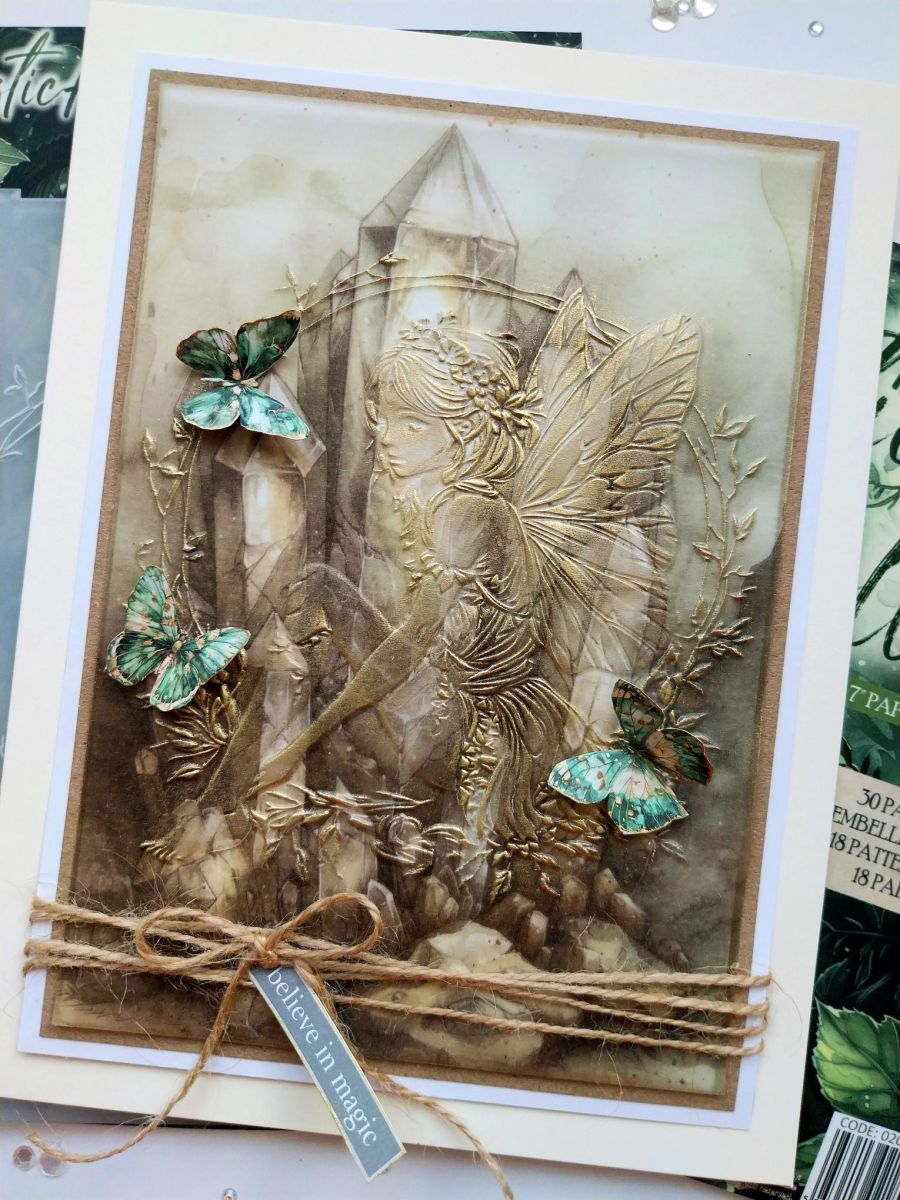
You will need your cream 6 x 8" card blank, white card cut to 5 1/4 x 7 1/4 and 4 3/4 x 6 3/4". Kraft card cut to 5 x 7" and this sheet of decorative vellum trimmed to 4 3/4 x 6 3/4".








Prices change straight away. Every language is our own translation, not Google.
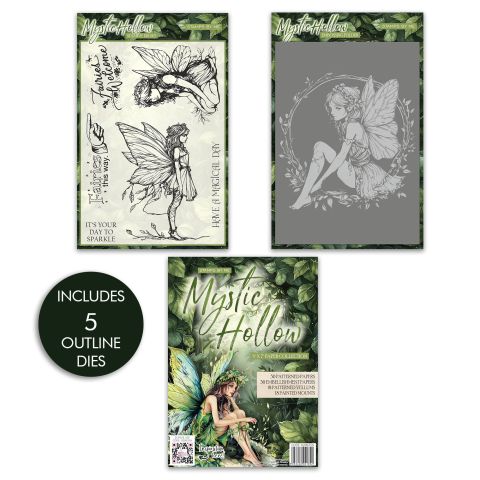 Stamps By Me - Mystic Hollow Complete BundleMystic Hollow Complete Bundle
You will need your cream 6 x 8" card blank, white card cut to 5 1/4 x 7 1/4 and 4 3/4 x 6 3/4". Kraft card cut to 5 x 7" and this sheet of decorative vellum trimmed to 4 3/4 x 6 3/4".
Place the vellum inside the beautiful Mystic Hollow embossing folder and run it through your machine.
Use the tip of your finger or a dry baby wipe, to gently apply Gold gilding wax over the embossed image. Start off lightly and build up the wax as once applied, you cannot remove it! Buff over the wax with a soft cloth to enhance and bring out the shine.
Use a tape runner to adhere the embossed vellum onto the 4 3/4 x 6 3/4" white cardstock...this will make your vellum "pop". Then adhere onto the kraft card and finally onto the other piece of white card.
Tie twine around the bottom of your artwork and secure in place with a bow.
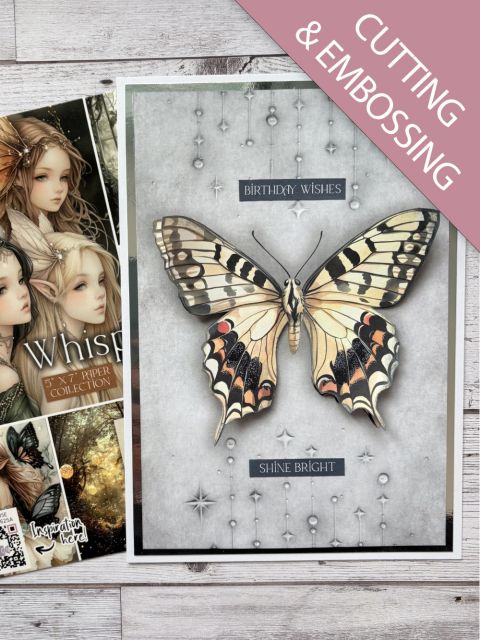
Fussy cut 3 butterflies and a sentiment tab from the collection and edge them all with the gilding wax.
Adhere to your artwork where required, to finish.
Share your make with the Stamps By Me community - and keep this guide for next time.
Prefer the previous layout? Open the old page.