Give your friends $10 off their first order!
Refer a FRIEND








Prices change straight away. Every language is our own translation, not Google.
A project from our live show CREATE AND CRAFT TV - Join Toni for her brand new SBM launch show 2 - broadcast 23rd April 2024 · 04/23/2024
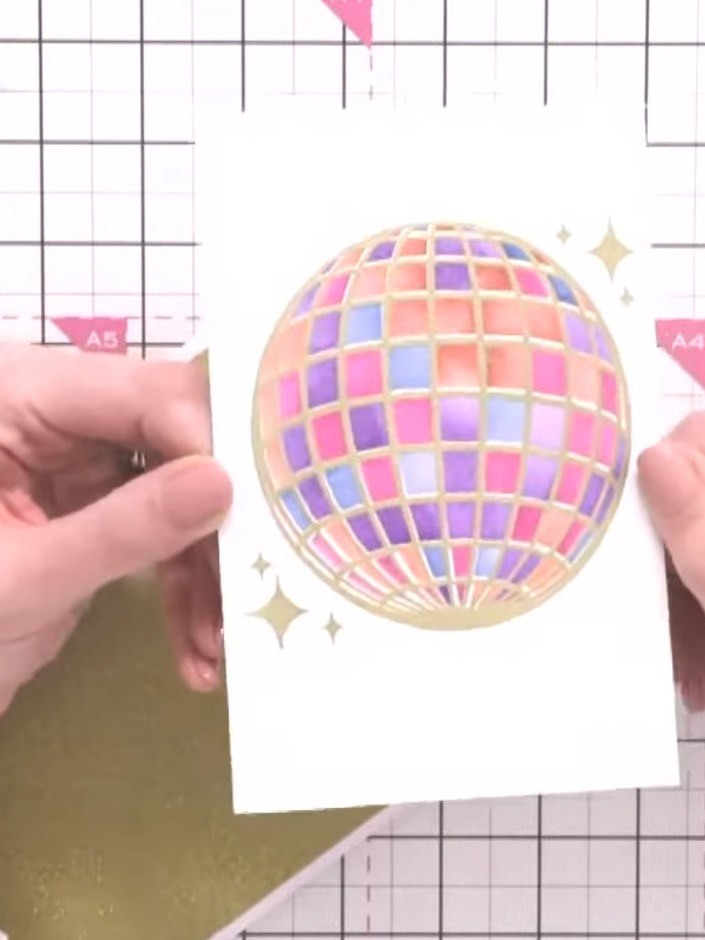
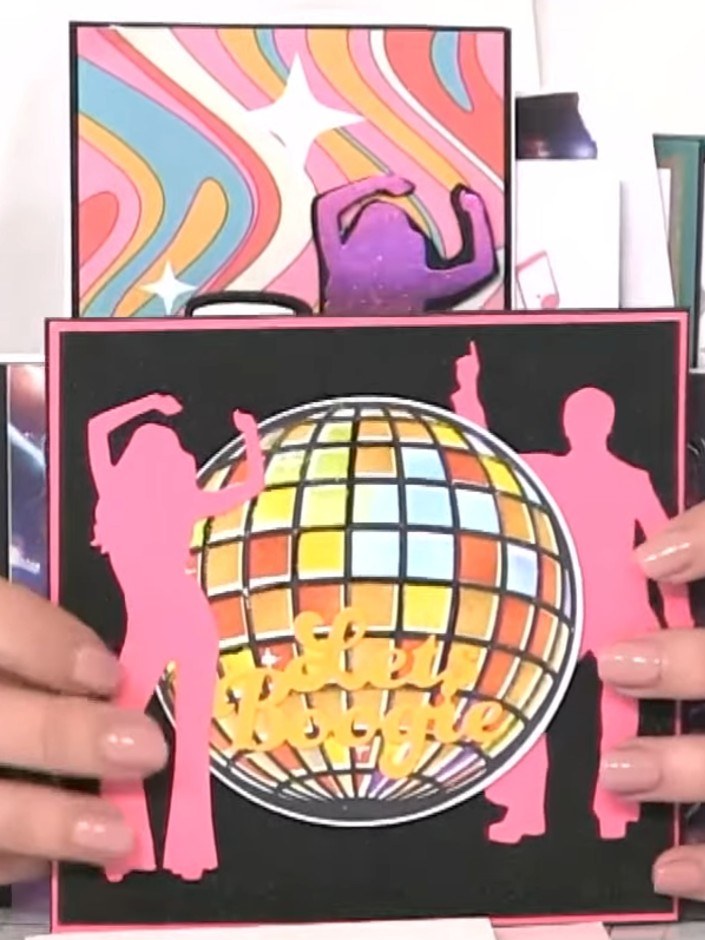
Create a glamorous celebration card featuring a stunning disco ball design with a retro 'Let's Boogie' sentiment. This eye-catching card combines a colourful glitter ball created with stencilling, gold embossed details, and sparkly accents on a white card base with gold border. The main techniques include stencilling with multiple colours, heat embossing with gold powder, and layering decorative elements for a dazzling Ballroom-inspired finish.
 1
Prepare your card base and select your background papers. Choose the disco ball layering stencil system with the dancing silhouettes design for your card front.
 2
Use the numbered layers on the stencil to build up the glitter ball design. Apply different colours to layers 1, 2, 3, and 4, creating the disco ball effect with the silhouette dancer and 'Let's Boogie' sentiment.
 3
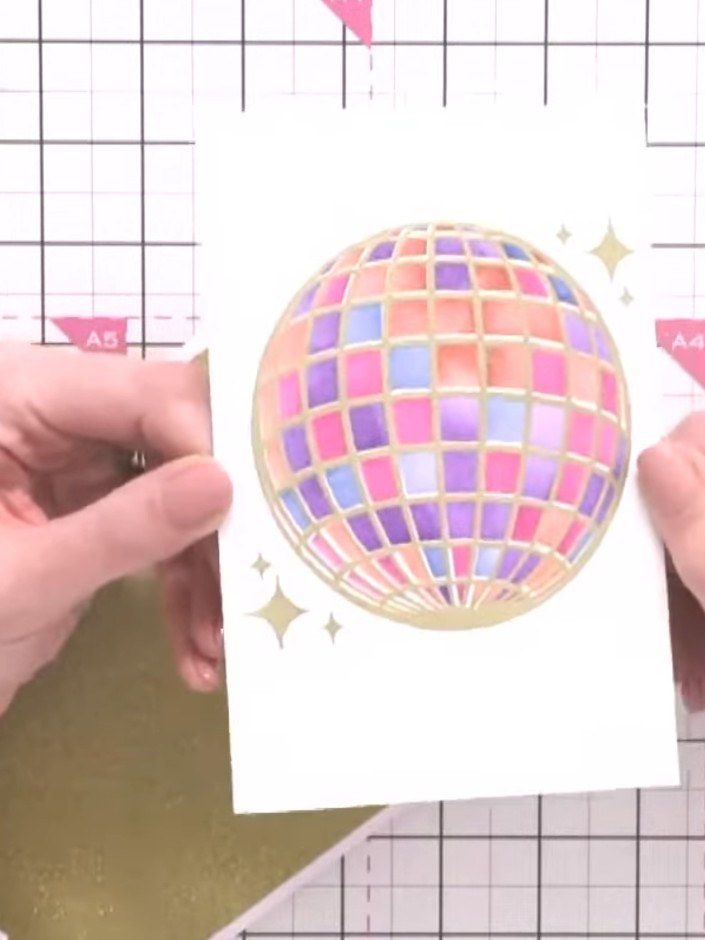
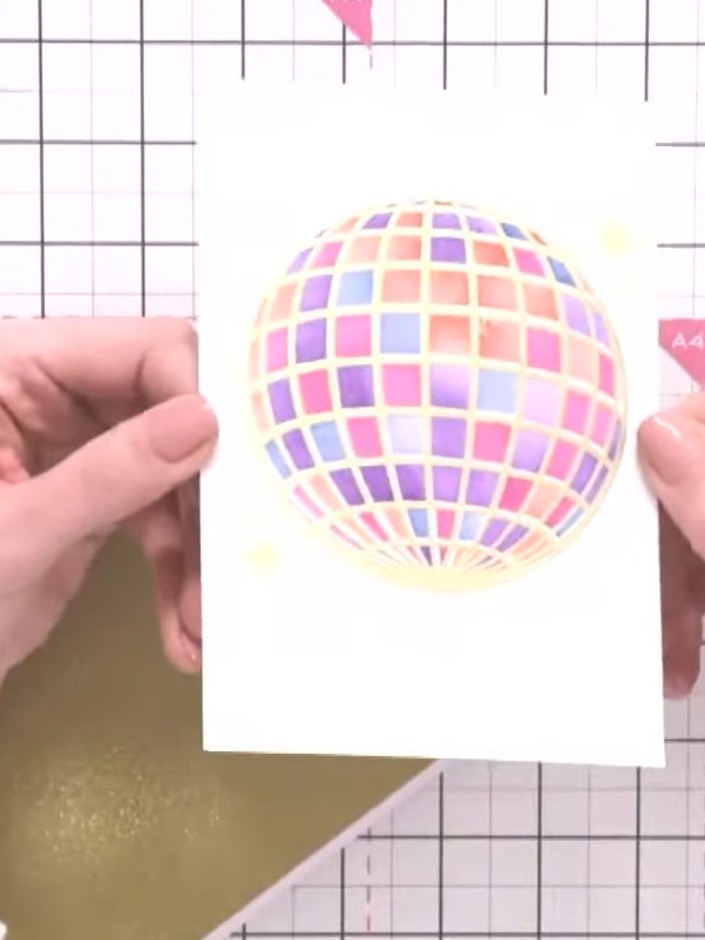
Stencil each layer of the design, carefully aligning the registration marks in the four corners to ensure proper placement. Use the stencils to build up the glitter ball pattern on your card.
 4
Use the coordinating stamp to add sparkle detail around the glitter ball design. Position the stamp carefully over the stencilled image and press firmly to transfer the design onto the white card.
 5
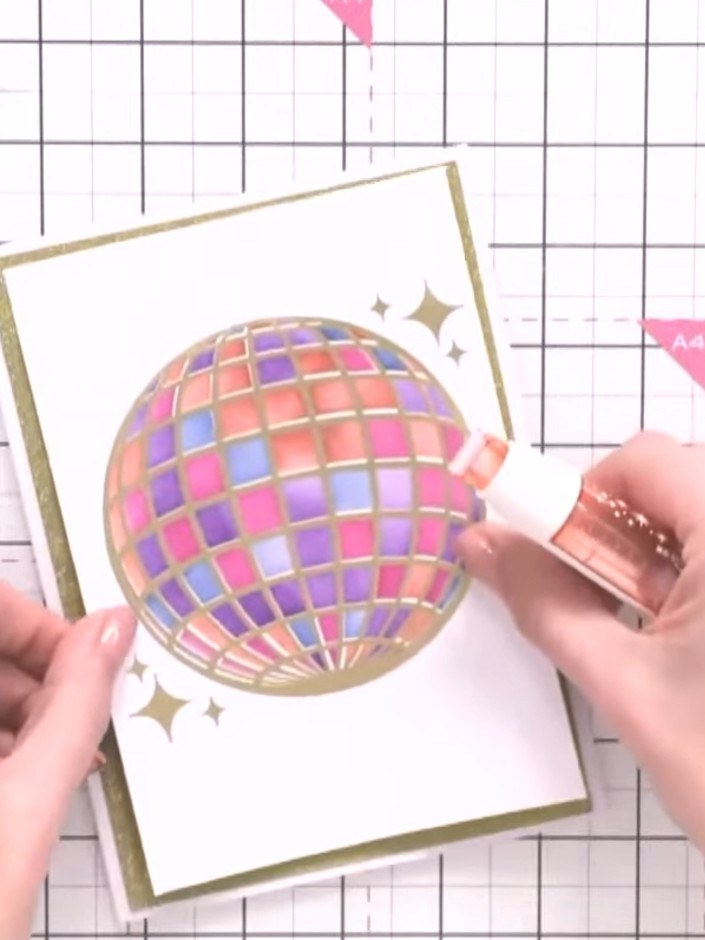
Gold emboss the stamped disco ball design. Use a heat tool to melt the gold embossing powder until it creates a shiny, raised finish on the image.
 6
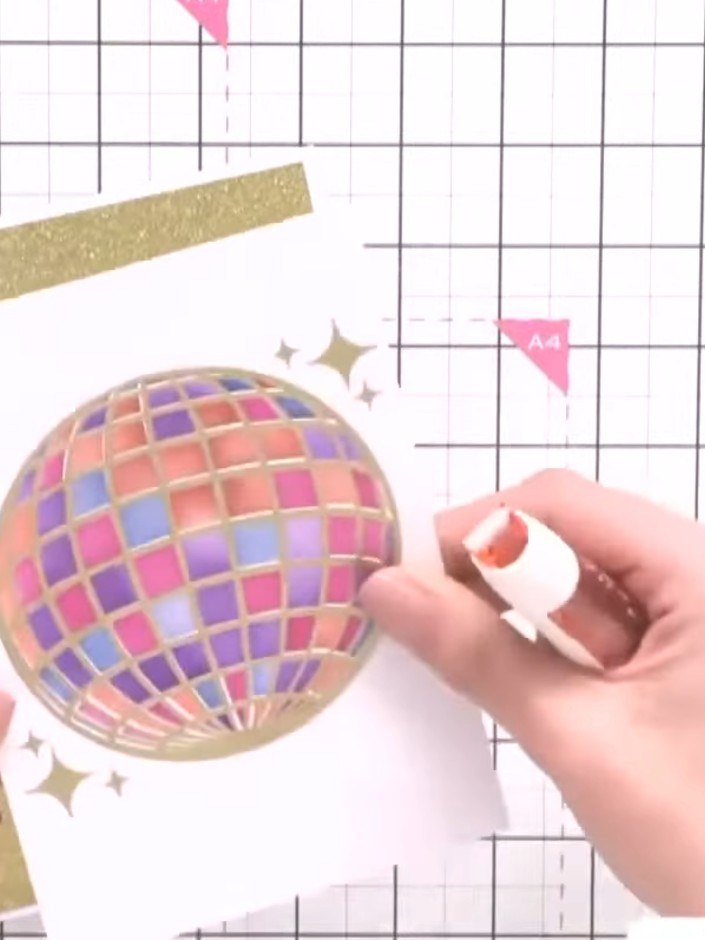
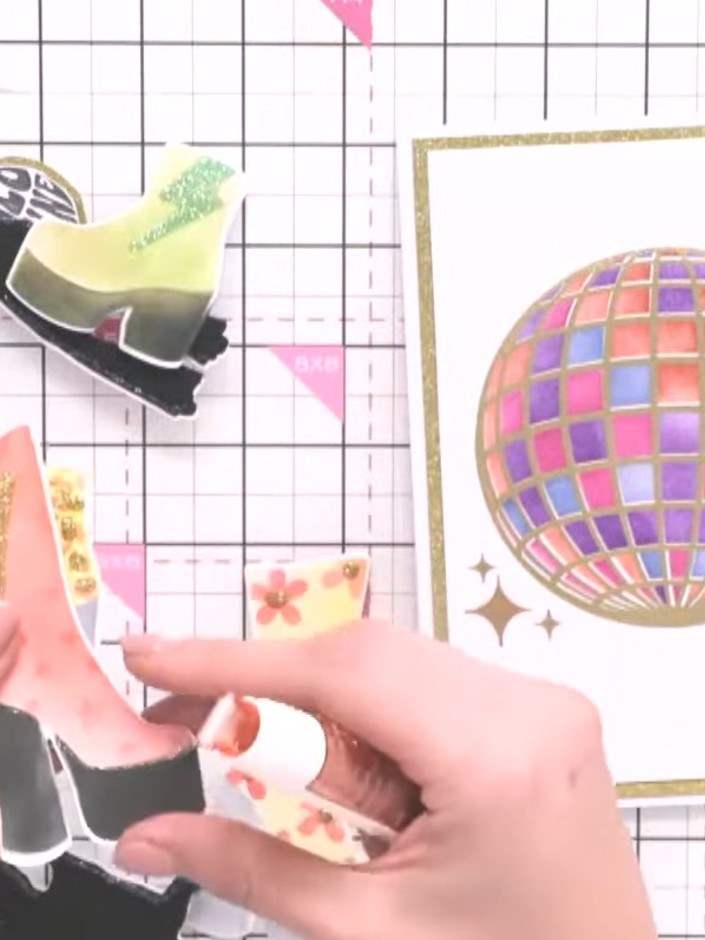
Mount your completed disco ball topper onto your card base using foam pads to add dimension. Position it centrally on the gold-edged card front.
 7
Add sentiment words from the stamp collection to complete your celebration card. Position the words where desired on your card design to finish.
Share your make with the Stamps By Me community - and keep this guide for next time.
Written up from the show itself. See every guide from our shows · free how-to guides · watch live on My Telly · the previous layout