Give your friends $10 off their first order!
Refer a FRIEND








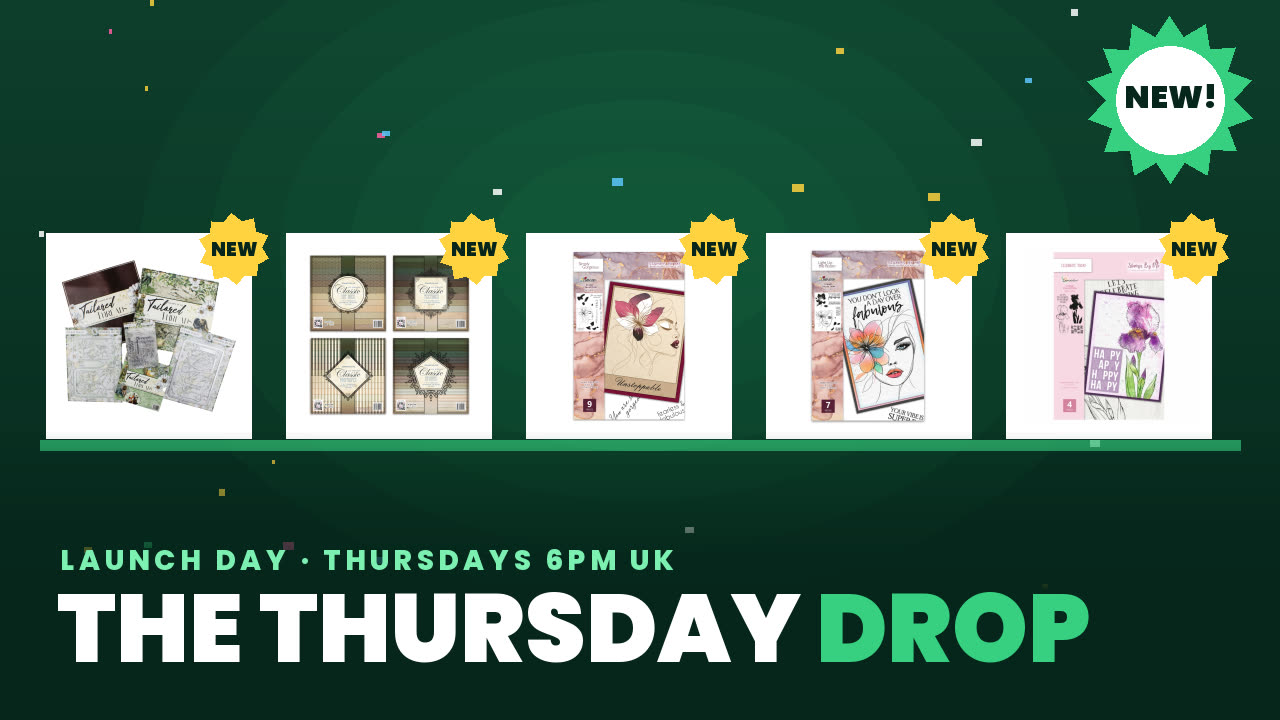 The Thursday DropThu 19 Nov 1pm
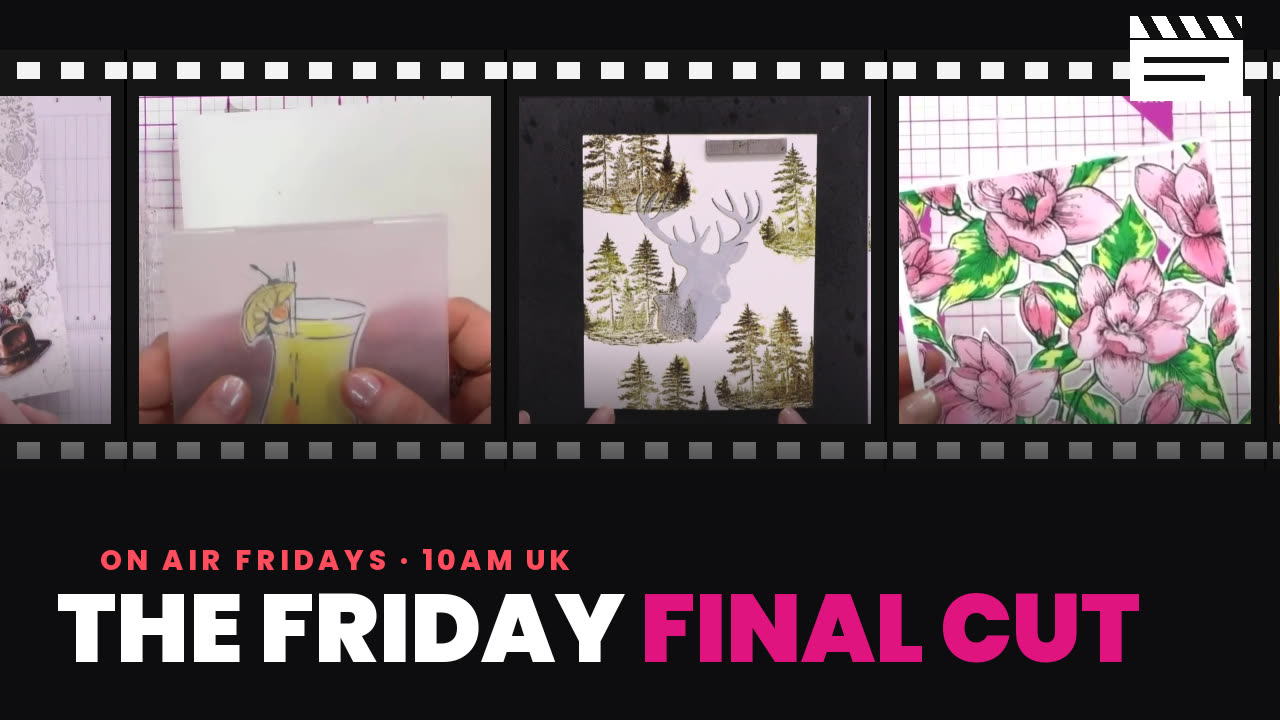 The Friday Final CutFri 20 Nov 5am
 Community ShowcaseMon 23 Nov 5am
Prices change straight away. Every language is our own translation, not Google.
A project from our live show ONE DAY SPECIAL - Join Toni for her brand new launch - Broadcast 21st November 2025 · 11/21/2025 · watch it from 38:30
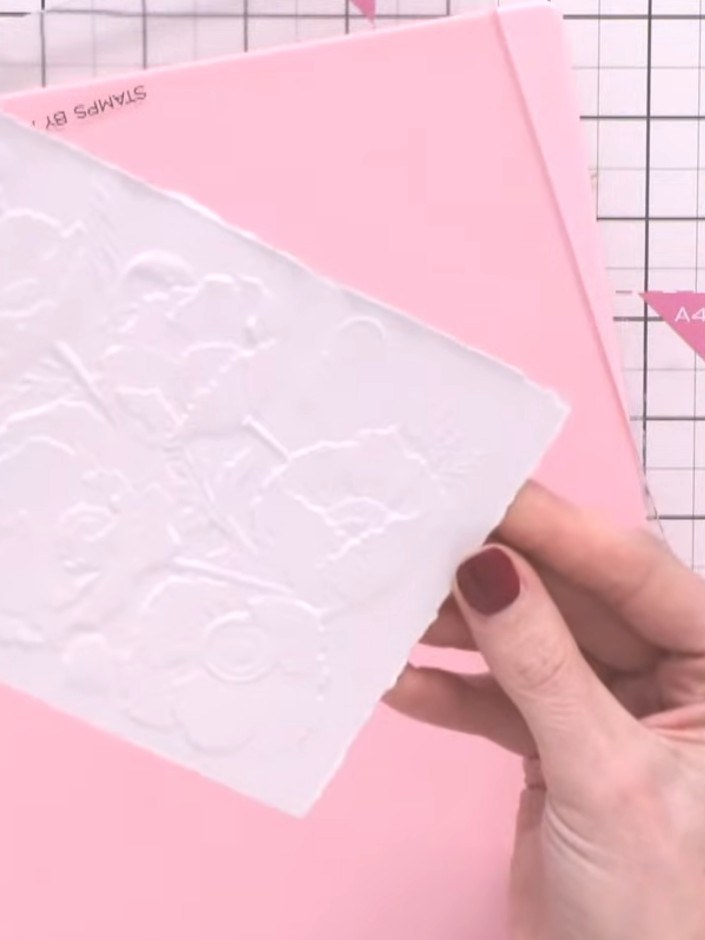
Create a beautiful poppy garden card using high-definition 3D embossing and delicate watercolour techniques. The Poppy Garden embossing folder creates stunning raised poppy designs on pink cardstock, which are then enhanced with soft watercolour paints to add depth and natural shading. This classic combination of embossing and watercolour produces an elegant floral card perfect for any occasion.
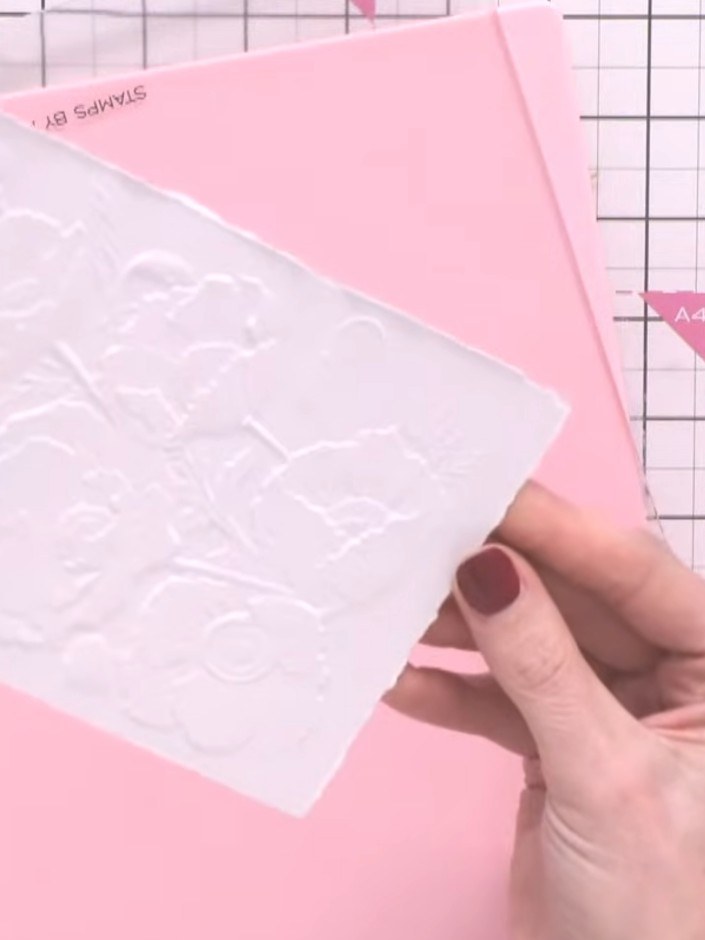
Place your pink card stock into the Poppy Garden embossing folder and run it through your embossing machine to create the raised poppy design on the card. Paint the embossed poppy design with watercolour paints, using the raised areas as guides for your brush work. Apply the colours carefully to bring out the floral details.
▶ watch this step (38:45)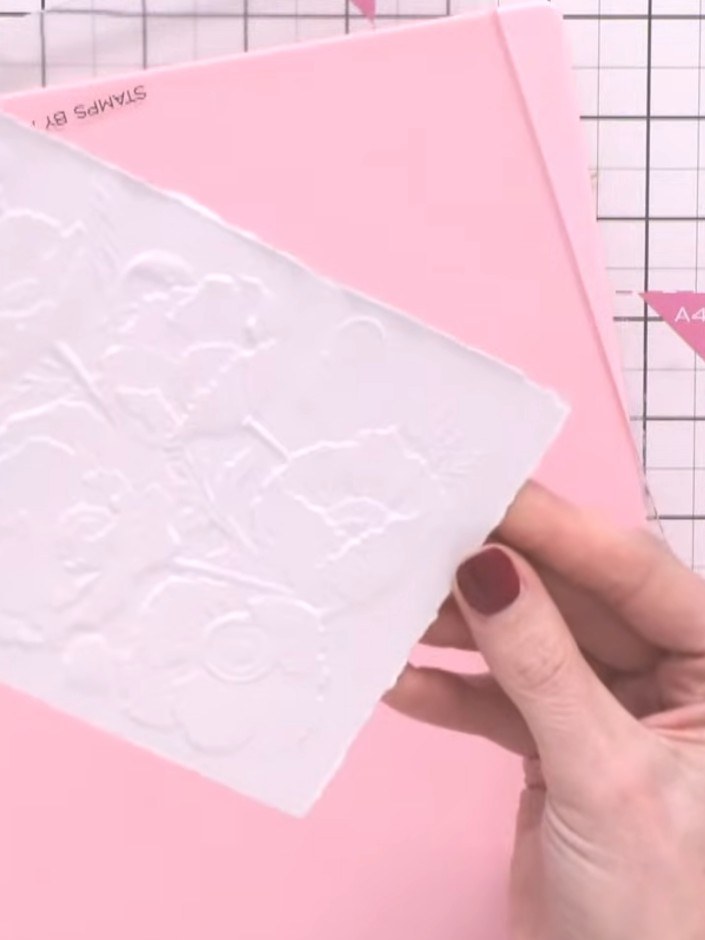
Allow the watercolour to dry completely to reveal the beautifully detailed poppy design created by the embossing folder.
▶ watch this step (39:15)Written up from the show itself. See every guide from our shows · free how-to guides · watch live on My Telly
