Give your friends $10 off their first order!
Refer a FRIEND








A project from our live show POP UP GIFT CARDS MADE SIMPLE WITH AN AWESOME BELLY BAND - Toni explains how · 01/01/2023 · watch it from 4:30
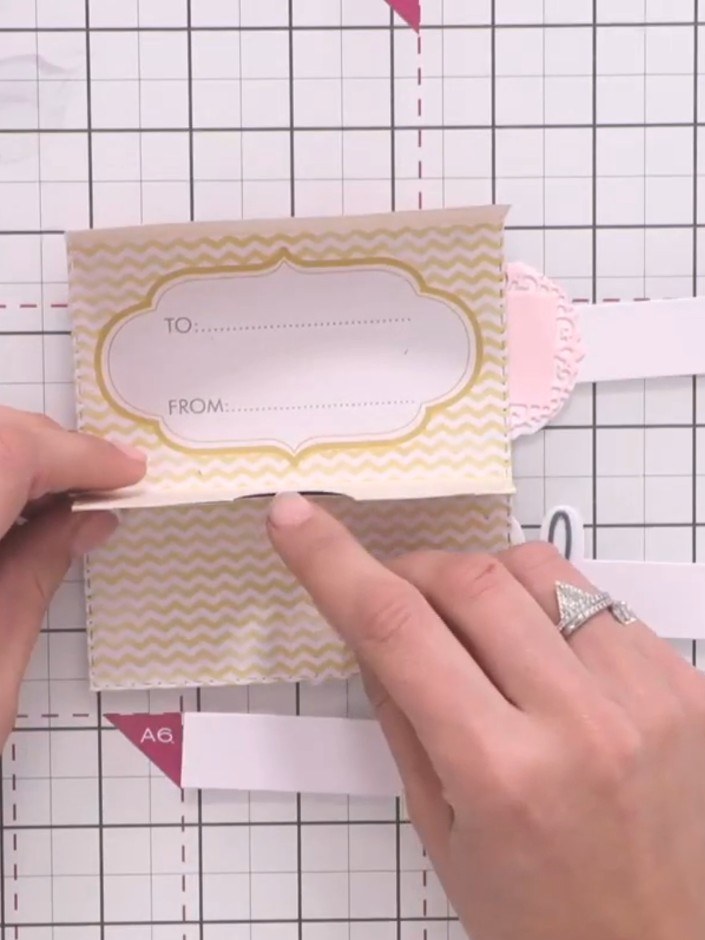
Create an elegant pop-up gift card wallet with a decorative belly band. This sophisticated presentation piece features pre-scored die-cut card stock in soft pink tones with floral patterns, folding to create a three-dimensional holder with a slot for a gift card. The project uses simple folding and gluing techniques to achieve a professional finish, perfect for presenting gift cards in style.
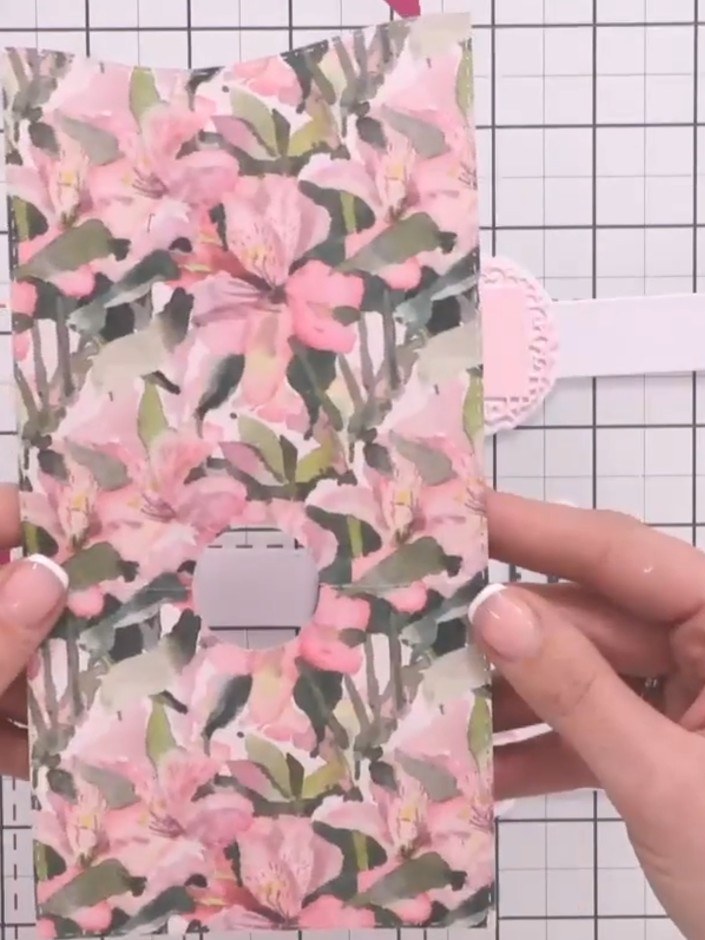
Select your pre-cut pop-up gift card element in your chosen colour and design. The element features pre-scored fold lines for easy assembly.
▶ watch this step (4:30)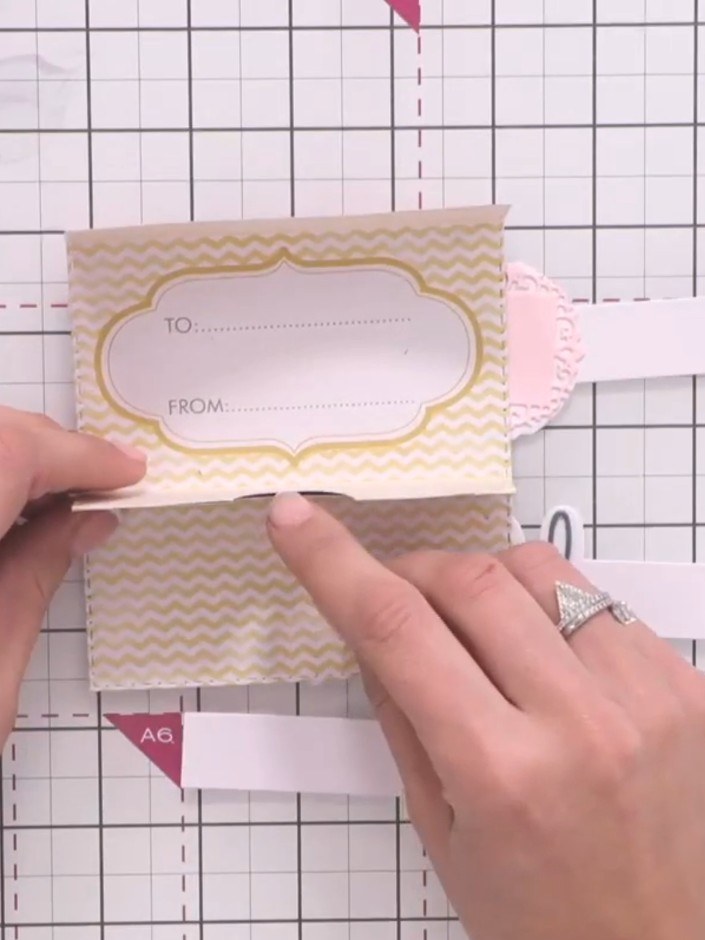
Score along all of the pre-scored lines on the card using a scoring tool. Work systematically across the piece to ensure all fold lines are properly scored.
▶ watch this step (4:45)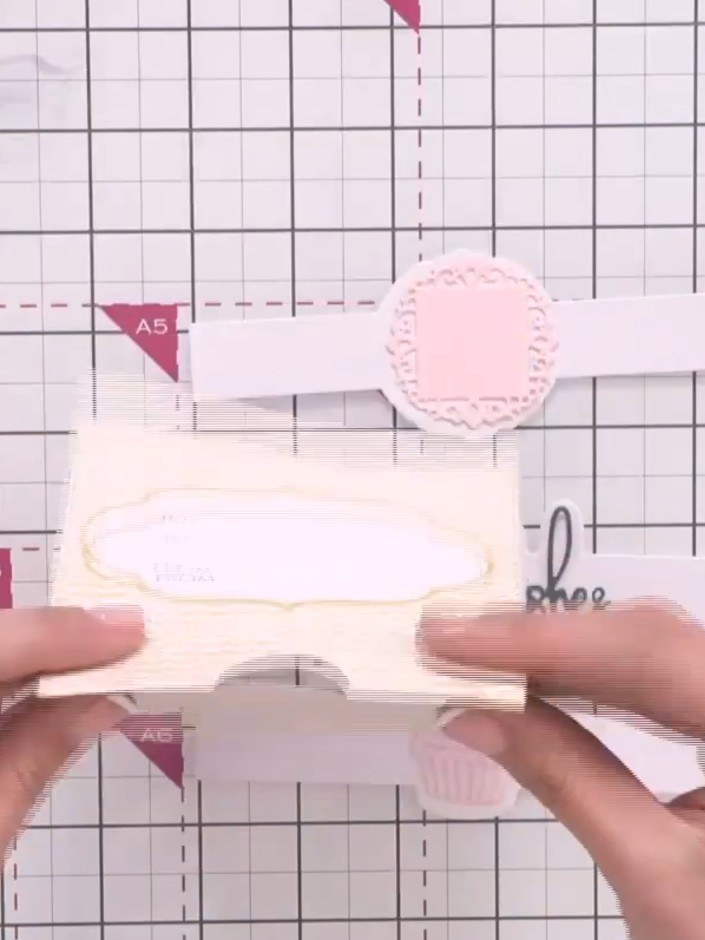
Pinch along all the scored lines on the card to create clean, crisp folds. Work through each fold line systematically to ensure the pop-up mechanism will work smoothly.
▶ watch this step (4:45)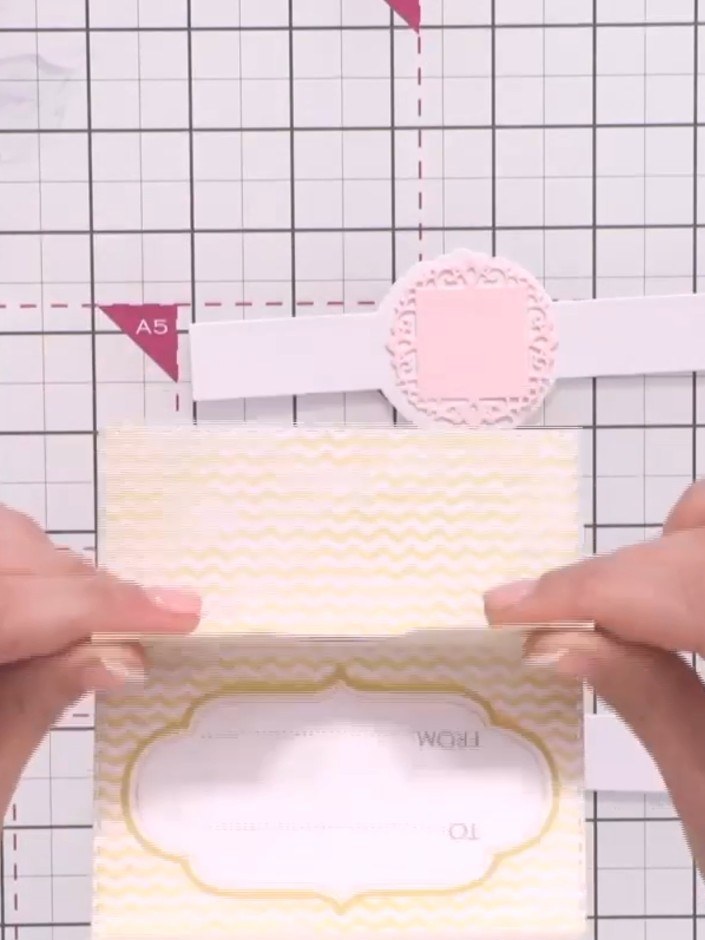
Pop up the card to reveal the gift card slot and wallet shape. The card should now stand upright, showing the decorative frame with 'TO' and 'FROM' labels visible.
▶ watch this step (5:00)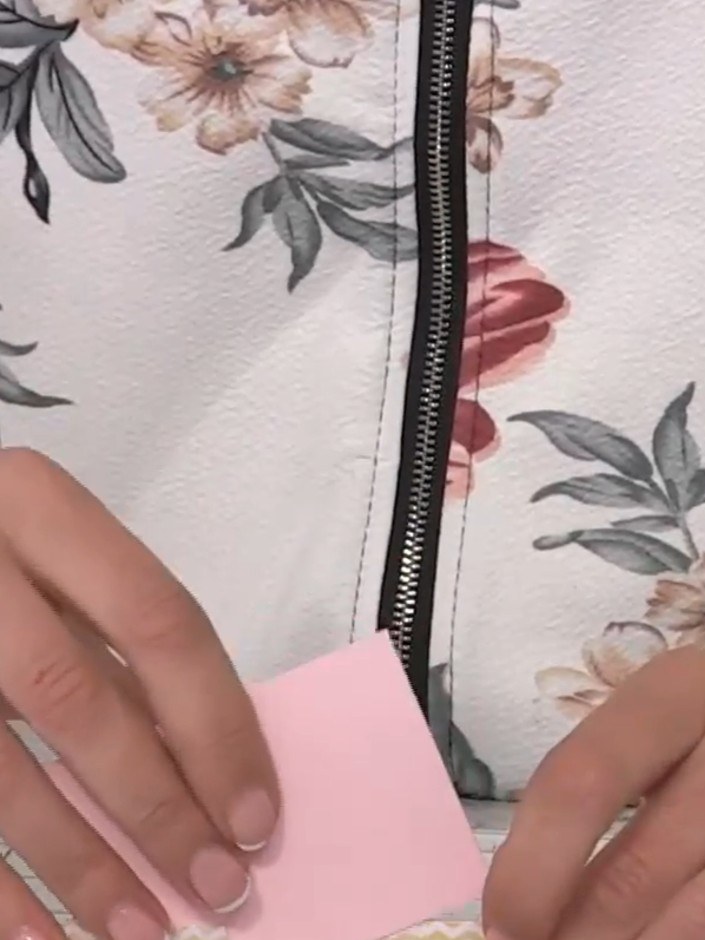
Apply a small amount of adhesive down one side edge of the belly band to secure it in place around the gift card holder.
▶ watch this step (5:15)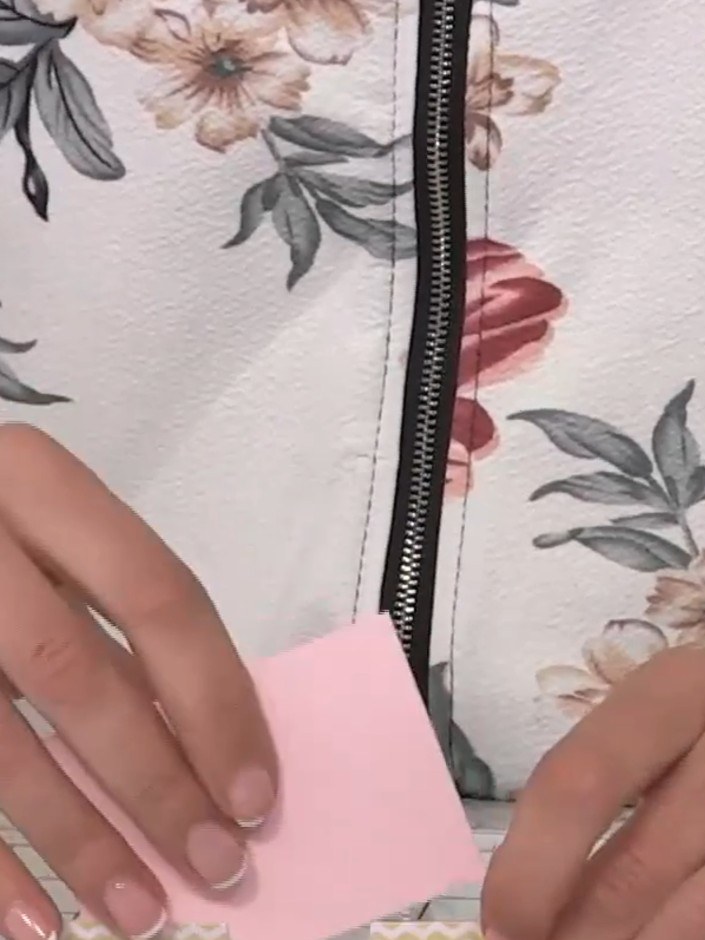
Insert your gift card, photograph, or message into the slot created by the pop-up element. The pink card or item slides into the chevron-patterned pocket on the floral base.
▶ watch this step (5:30)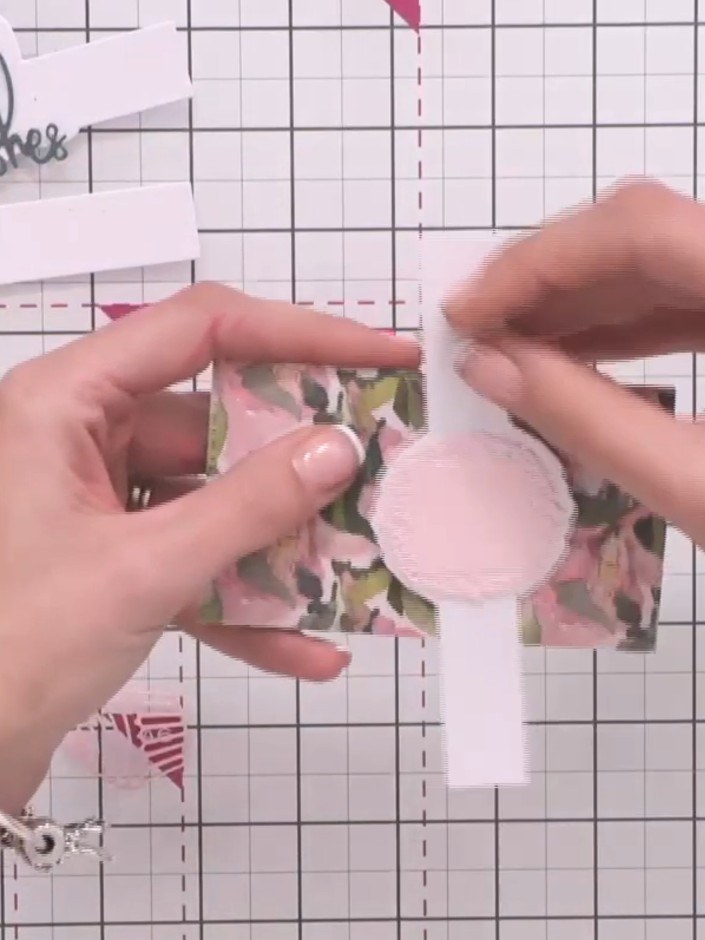
Take a decorative belly band and wrap it around your completed gift card wallet to hold it closed.
▶ watch this step (6:00)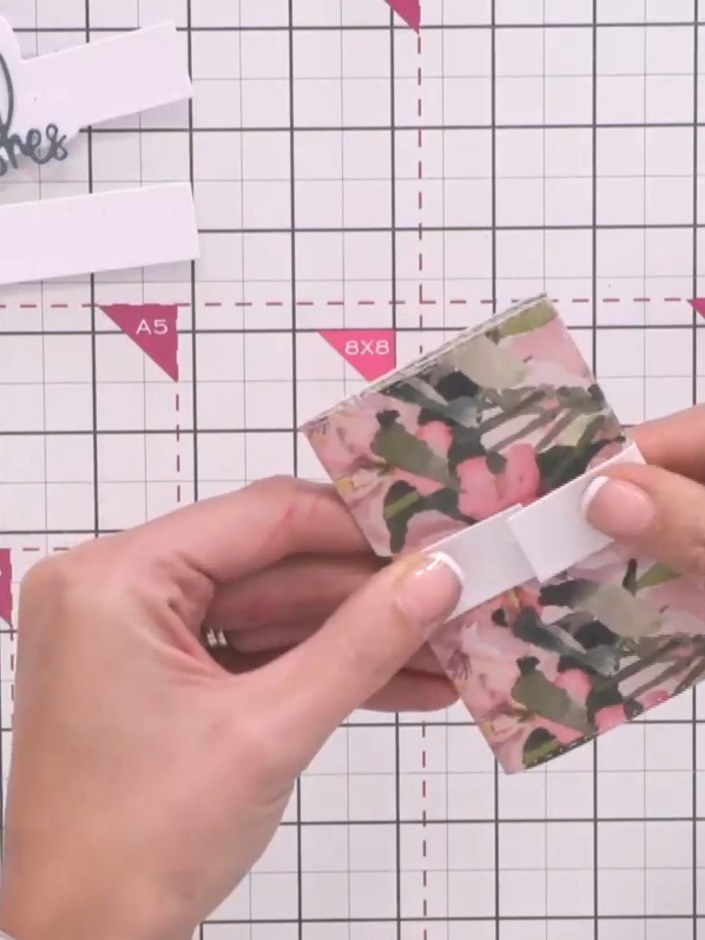
Apply glue to the back of the belly band and press it down firmly to secure it around the floral patterned wallet, positioning the pink scalloped circle label in the centre.
▶ watch this step (6:15)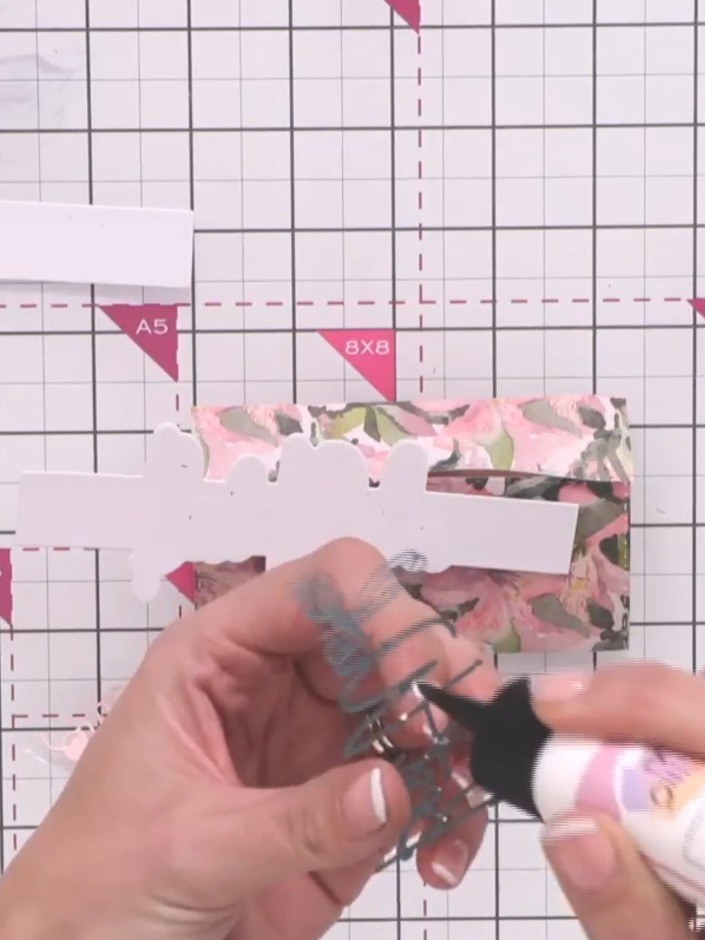
Optionally, glue a coordinating sentiment such as 'Best Wishes' onto the belly band using wet glue. Position it centrally on the band for best effect.
▶ watch this step (6:45)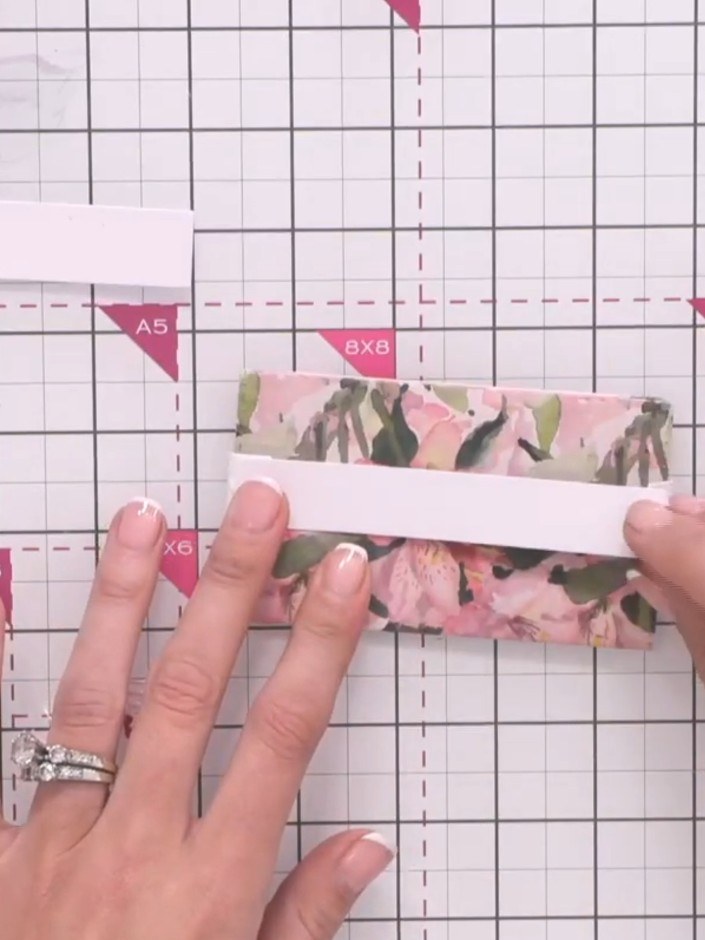
Cut a piece of white card to the same width as the extender arm. Apply adhesive to the back of the belly band and attach the white card strip to extend its reach for landscape orientation.
▶ watch this step (7:30)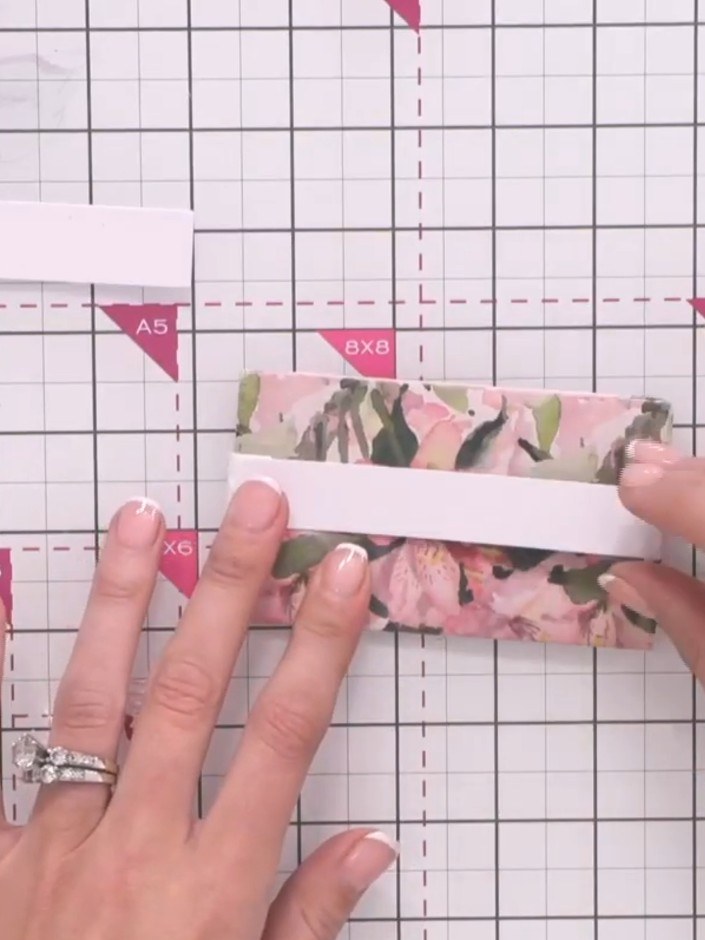
Attach the patterned paper strip to the extender arm using glue. Hold the pieces together for a few seconds whilst the glue sets to ensure a secure bond.
▶ watch this step (7:45)Written up from the show itself. See every guide from our shows · free how-to guides · watch live on My Telly