Give your friends $10 off their first order!
Refer a FRIEND








A project from our live show CREATE TOGETHER CLUB - CHAPTER 2 - Join Toni for Inspiration show 5 using the second stamp in the collection called SOMEBUNNY LOVES YOU - Broadcast 17th Jan 23 · 01/17/2023 · watch it from 40:45
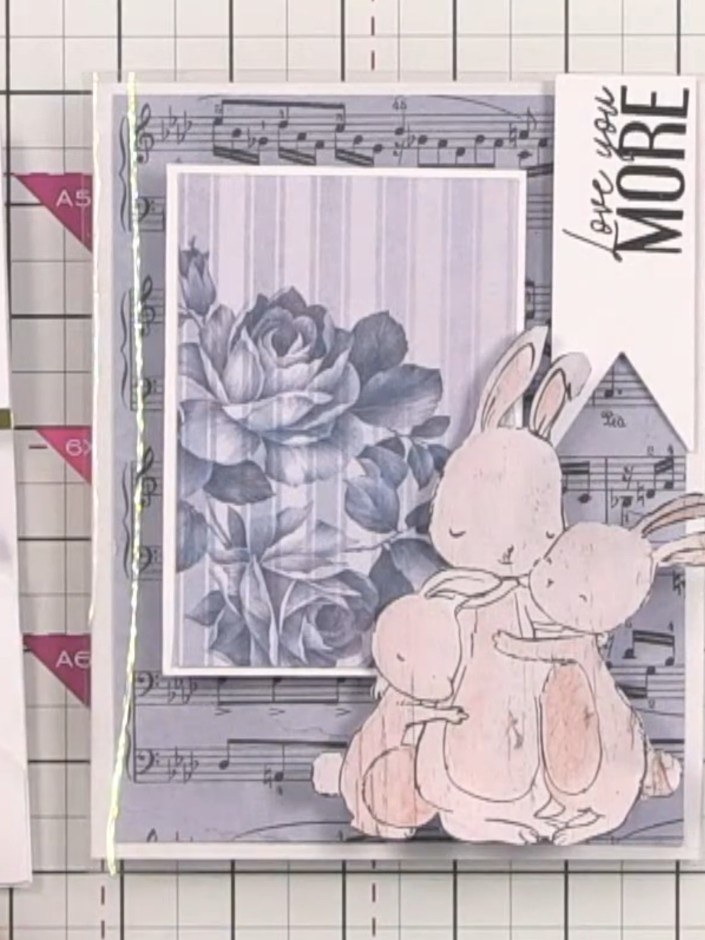
Create a charming layered scene card featuring adorable bunnies in a soft pink and grey colour palette. This elegant top-fold card showcases a cut-out window with clear acetate backing, revealing stamped bunny characters positioned on white layered hills that create beautiful depth and dimension. The design incorporates vintage-style floral imagery and music notes, with the scene viewable from both front and back for an interactive, three-dimensional effect.
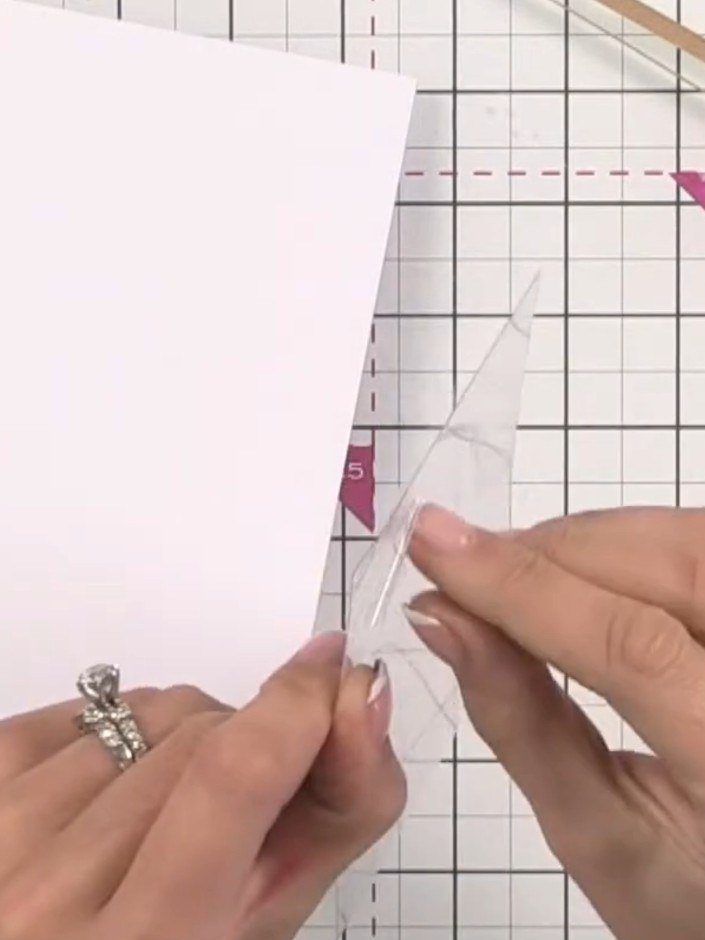
Take a top-fold card blank and cut a window opening in the front panel. Remove the protective sheet from the card blank before working with it.
▶ watch this step (41:00)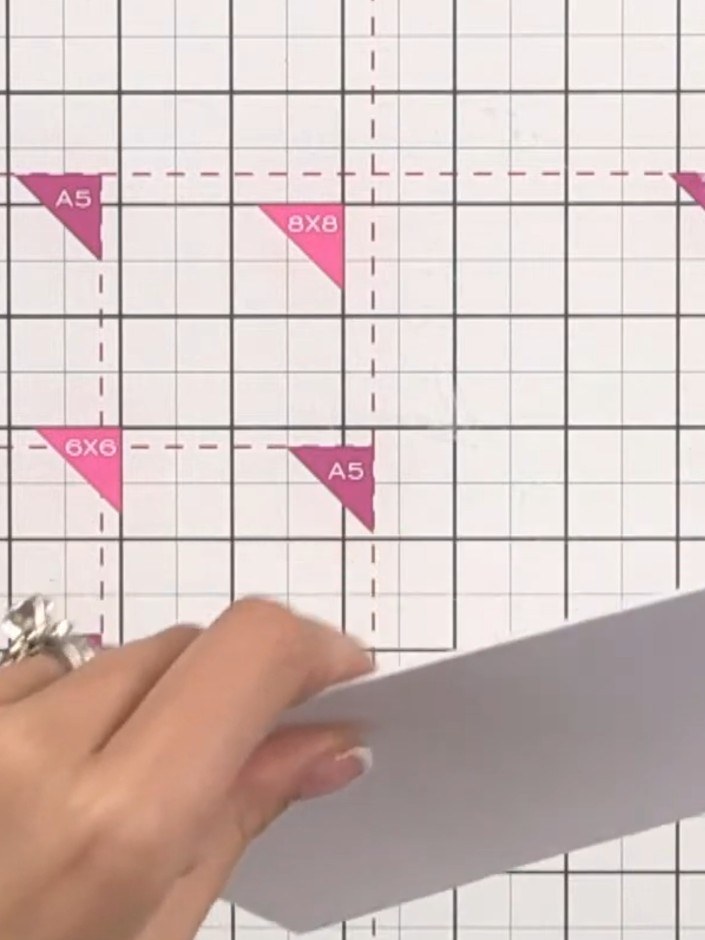
Remove the protective film from both sides of a clear acetate sheet by peeling it away carefully.
▶ watch this step (41:45)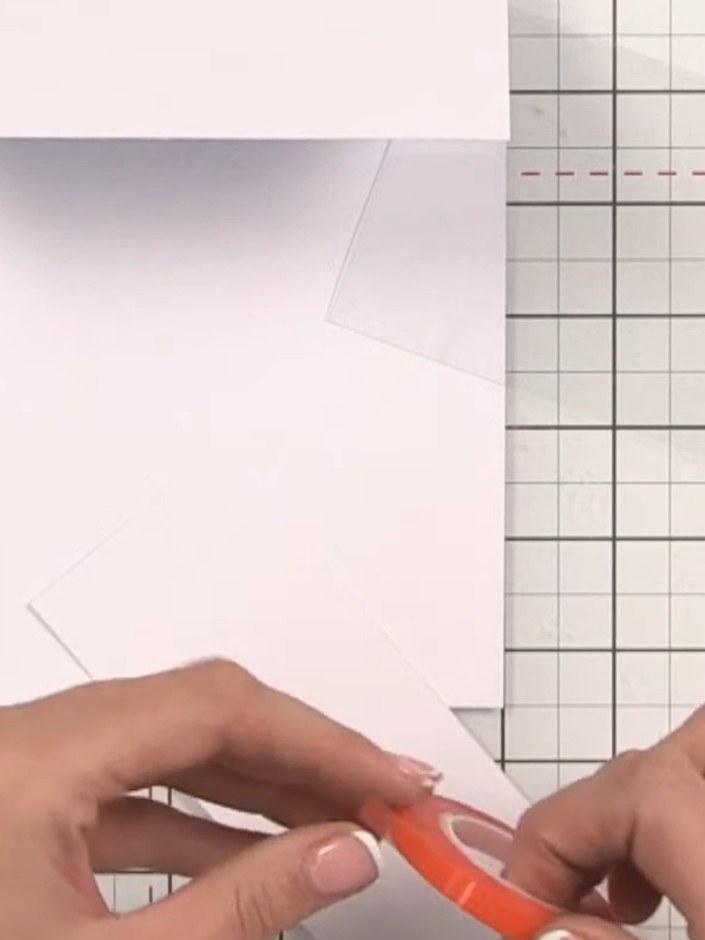
Apply red liner tape to the back of the acetate panel.
▶ watch this step (42:00)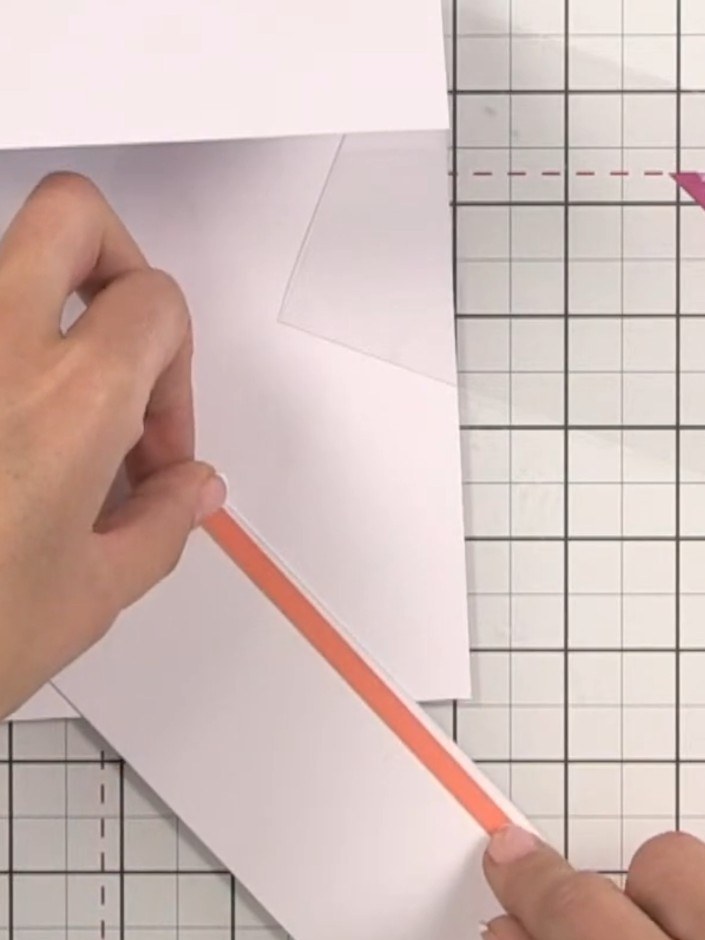
Apply adhesive tape along the edge of the acetate sheet. Position and adhere the acetate to the inside back of the card blank to create a window effect.
▶ watch this step (42:30)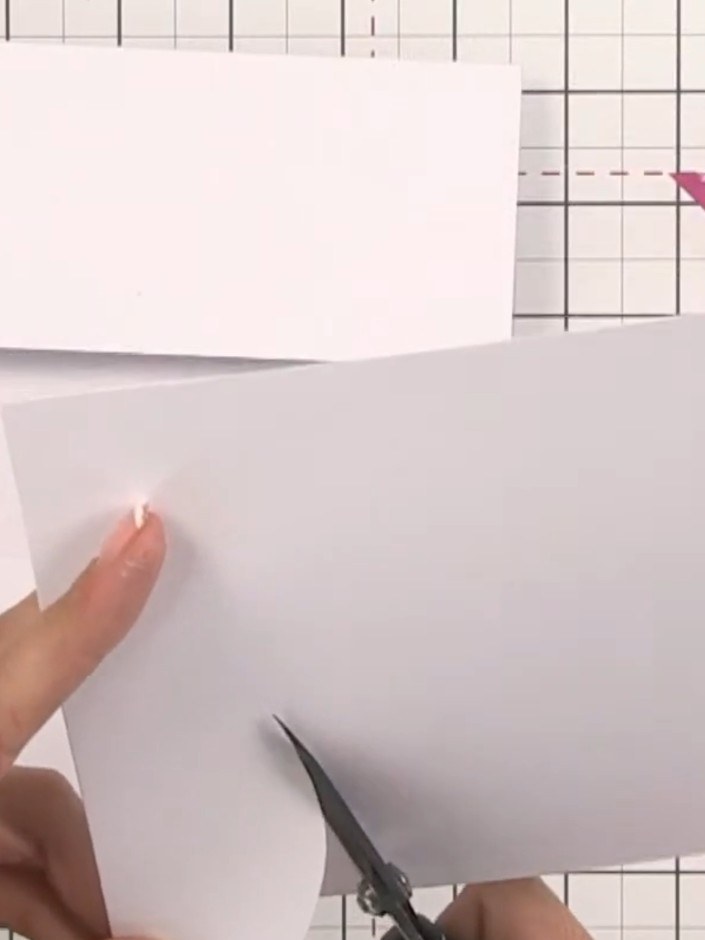
Cut freehand hill shapes from white card using scissors to create landscape layers. Hold the card steady and cut gentle curved lines to form rolling hills.
▶ watch this step (46:00)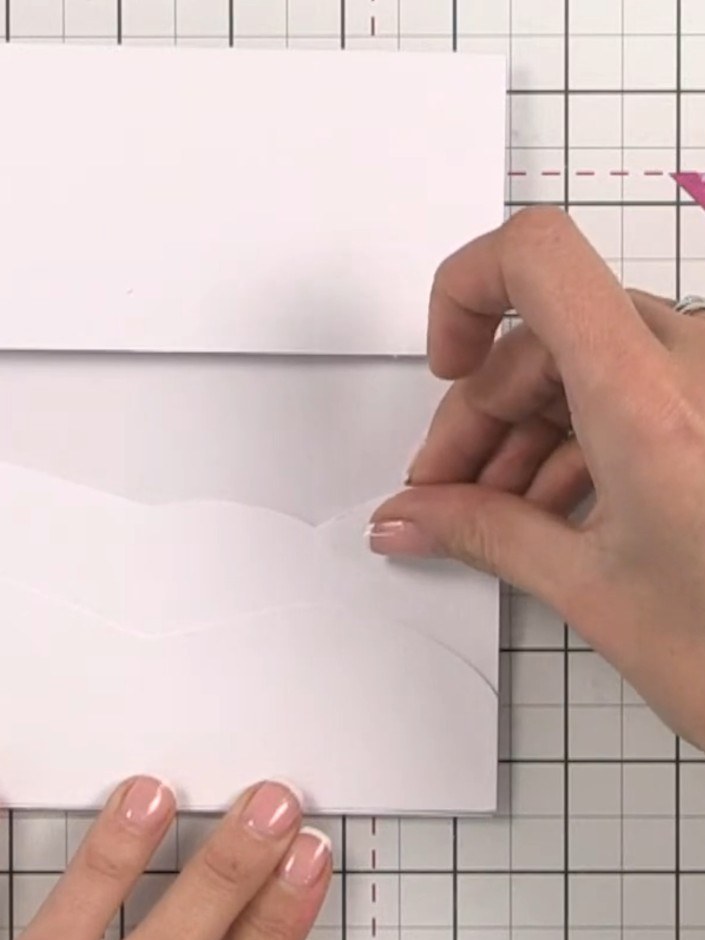
Glue the hill shapes to the inside of the card base. Adhere only at the base of each hill piece to allow the bunnies to tuck behind the layers.
▶ watch this step (47:00)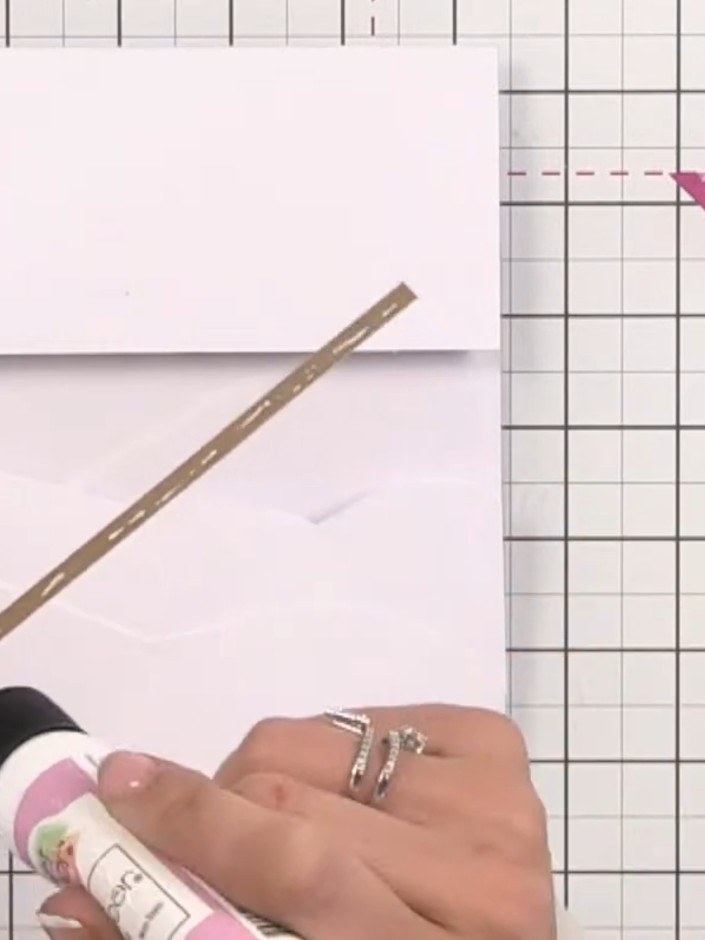
Cut a thin strip of gold card and apply glue to the back using a glue pen. Position the gold strip along the edge of the white hill shape to create a decorative border and soften the harsh edge.
▶ watch this step (47:45)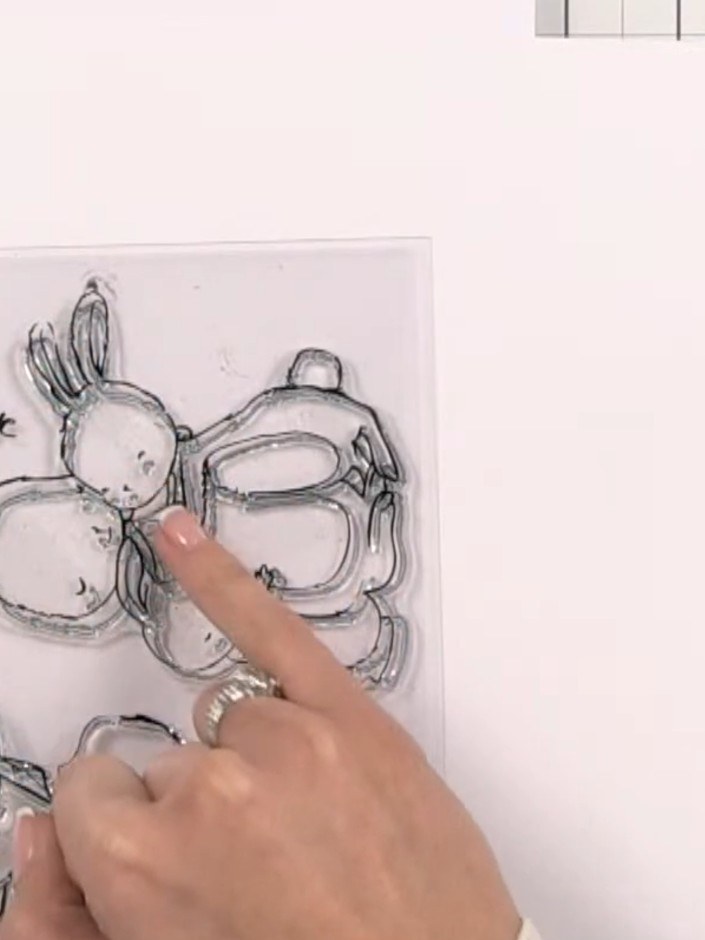
Stamp the bunny characters onto patterned textured paper using black ink. Position the stamp carefully and press firmly to ensure a clear impression.
▶ watch this step (49:00)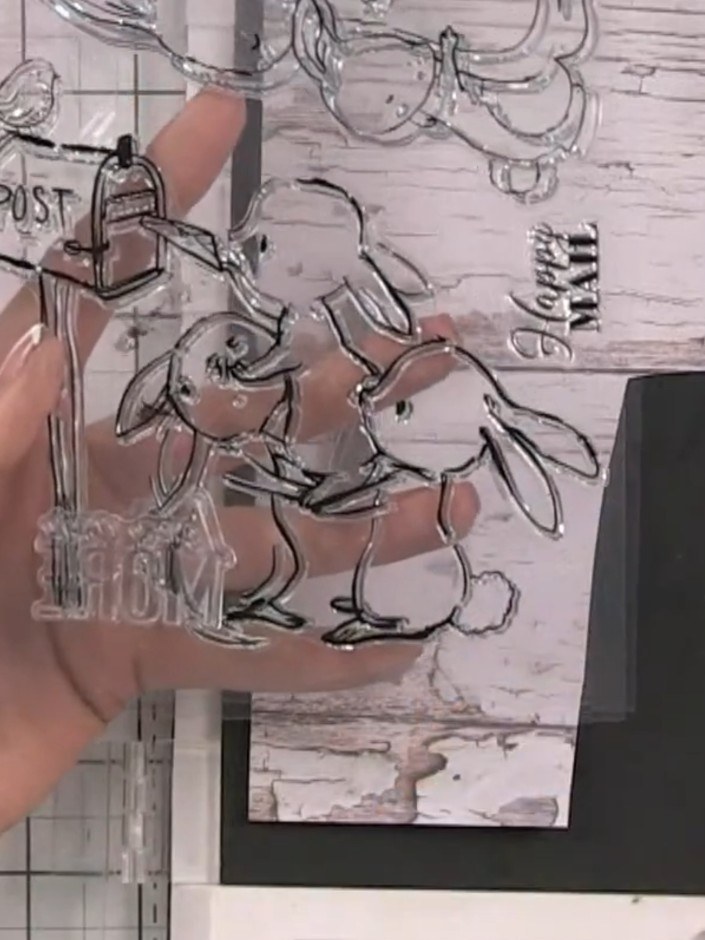
Fussy cut the stamped bunny images from the paper using scissors, carefully cutting around the outlines of the bunnies and their details.
▶ watch this step (51:15)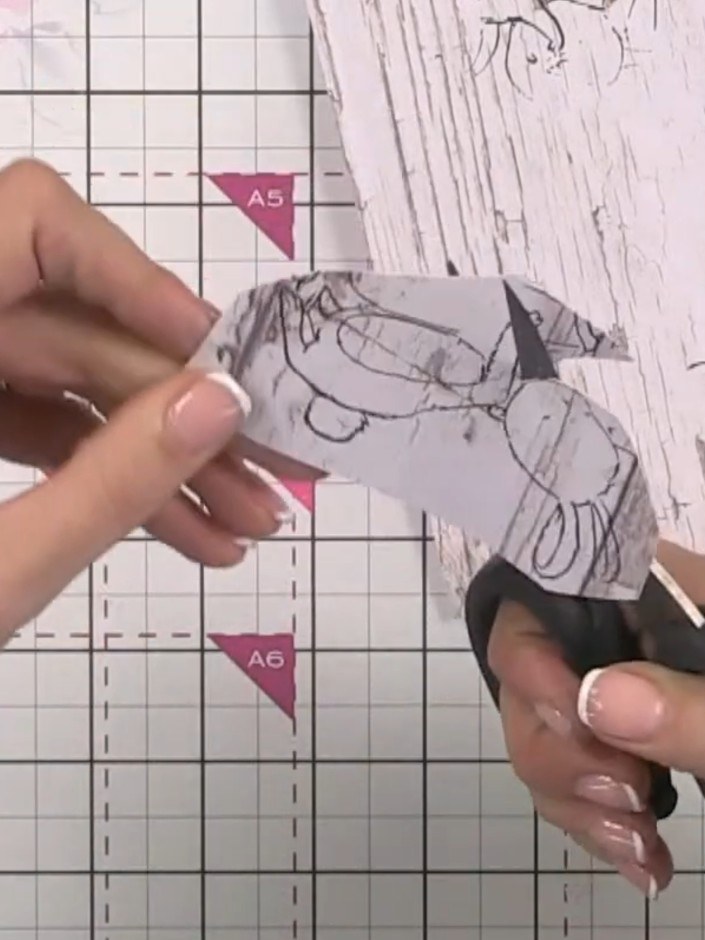
Position and glue the fussy-cut bunny images onto and between the hill layers. Arrange them so some bunnies appear to rest or play on the different hill levels, creating a layered scene effect.
▶ watch this step (53:00)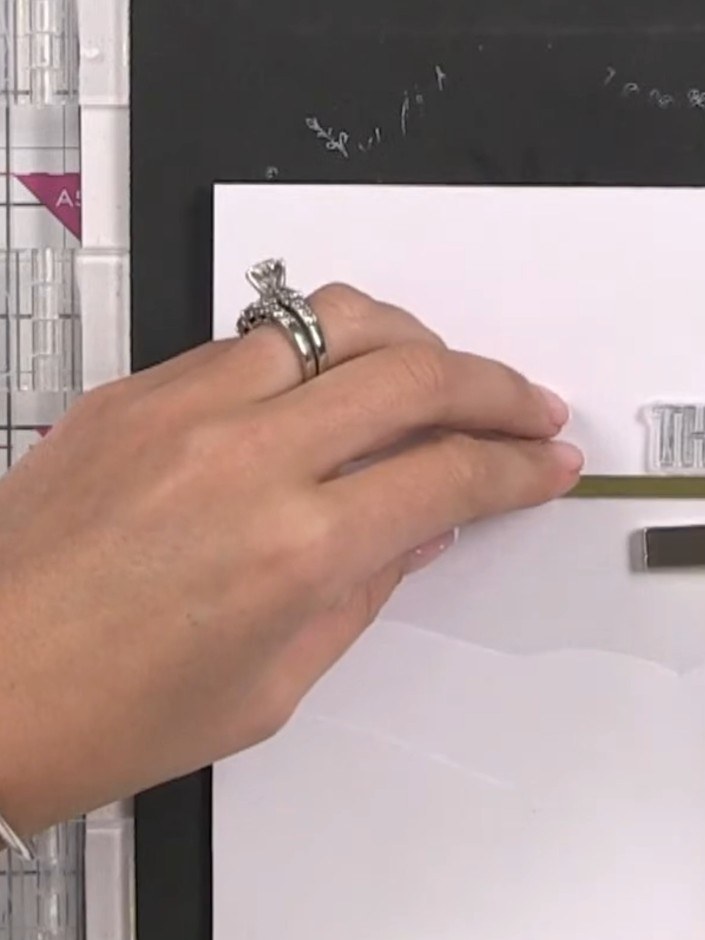
Stamp a sentiment such as 'THANKS' onto the top section of the card front using a clear stamp and black ink. Position the sentiment near the top edge, leaving space for the acetate window below.
▶ watch this step (55:30)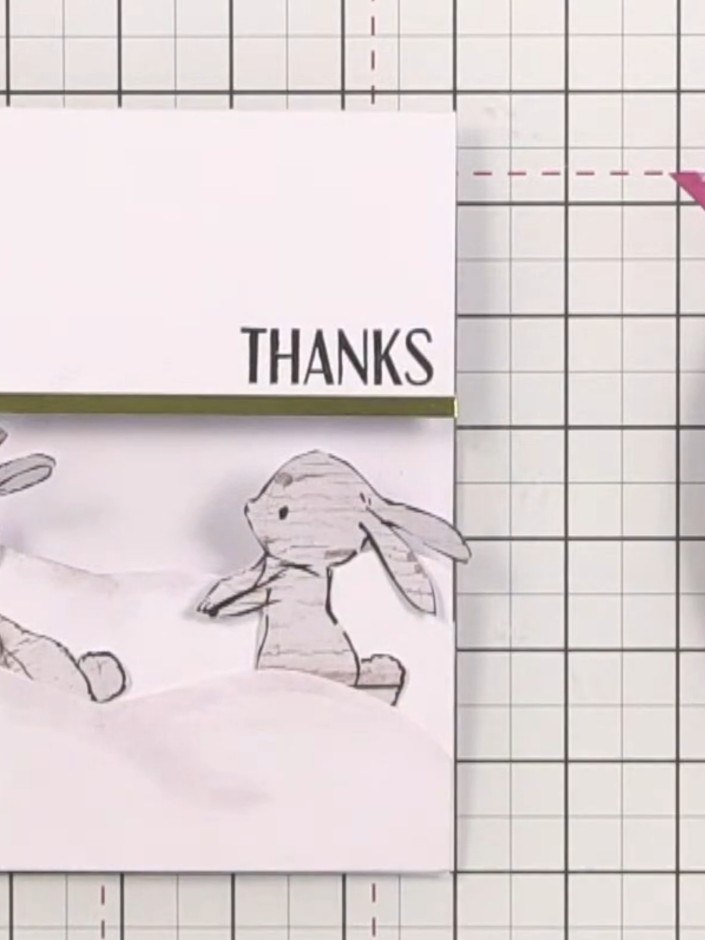
Embellish the hills and bunnies with sequins and sparkles to complete the layered scene card.
▶ watch this step (59:00)Written up from the show itself. See every guide from our shows · free how-to guides · watch live on My Telly