¡Regálales a tus amigos $10 de descuento en su primer pedido!
Recomienda a un AMIGO








Un proyecto de nuestro programa en vivo CREATE AND CRAFT - COLECCIÓN TOTALMENTE NUEVA - Acompaña a Toni en su más reciente programa de lanzamiento 2 - Transmitido el 29 de nov. del 22 · 11/29/2022 · velo desde 36:45
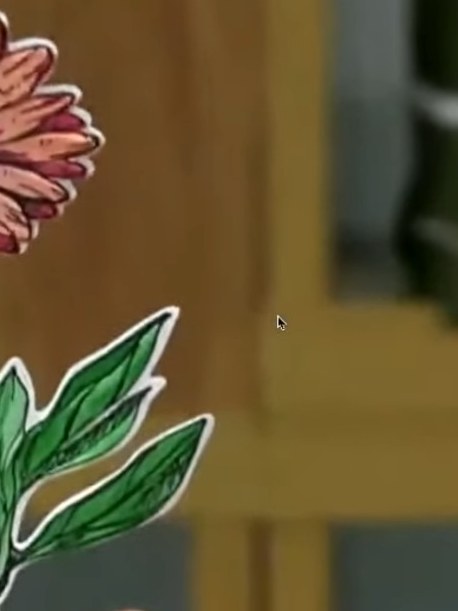
Create a stunning sunflower card featuring beautiful coral-pink and burgundy petals with green foliage. Using the Quattro D four-step stencil system, you'll build up layers of colour to create depth and dimension, then add elegant white heat embossing for a professional finish. This technique combines stamping, die-cutting, and layered stencilling to produce a shop-quality 3D floral card.
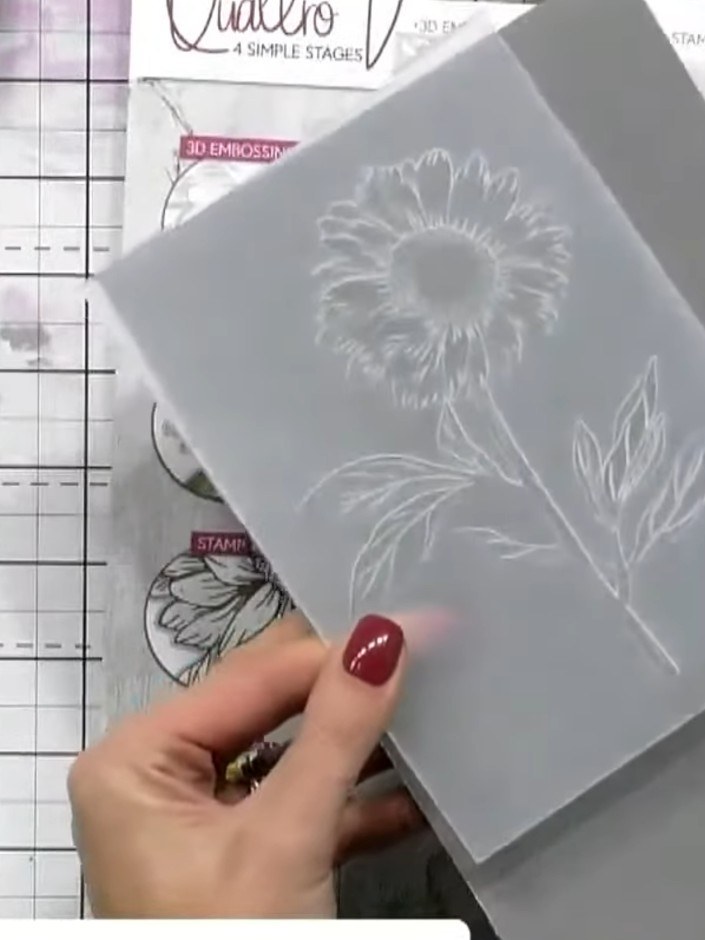
Place stencil number one onto white cardstock, ensuring the number marking is at the top left and faces you. The instruction sheet shows the four-step process with examples of each stencil layer.
▶ ver este paso (37:00)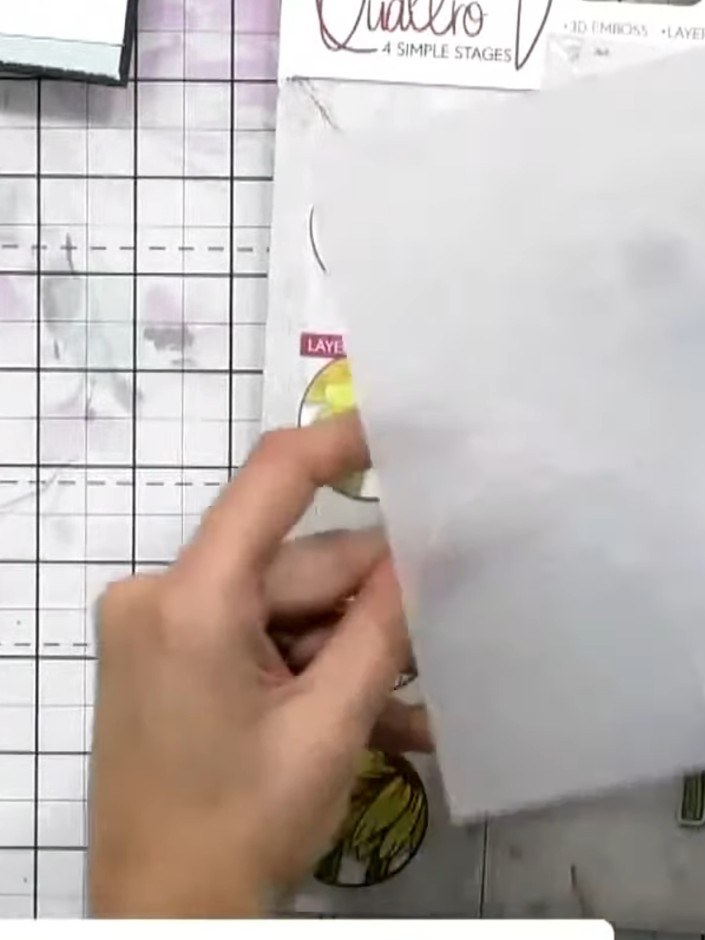
Using blending brushes, apply orange and pink inks through the stencil onto your card. Blend the colours where they meet to create a smooth transition between shades.
▶ mira este paso (37:30)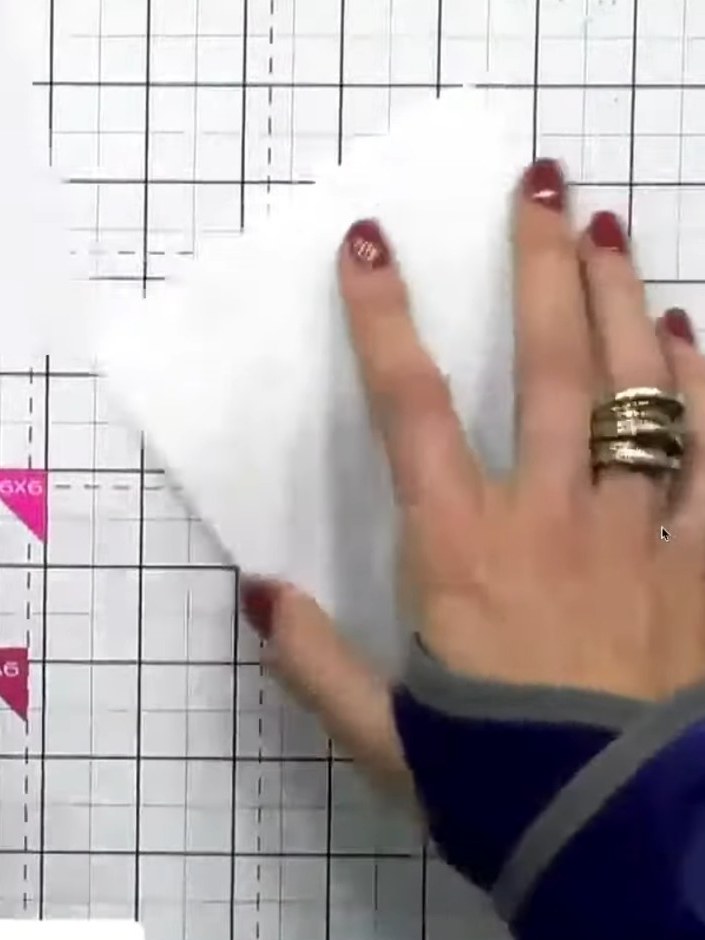
Remove the first stencil and position stencil number two over the card panel. Align it carefully using the heart-shaped registration guides in the corners to ensure proper placement.
▶ mira este paso (38:00)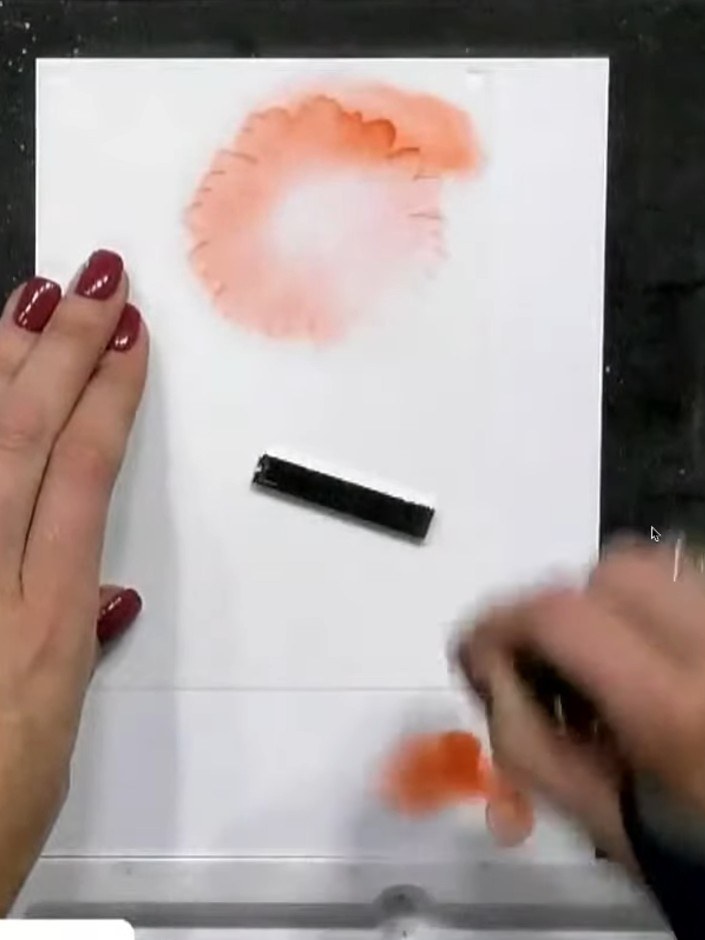
Position stencil two over your card and apply pink ink through the stencil using a blending brush. Build up the colour gradually to add dimension and depth to the flower petals.
▶ ver este paso (38:30)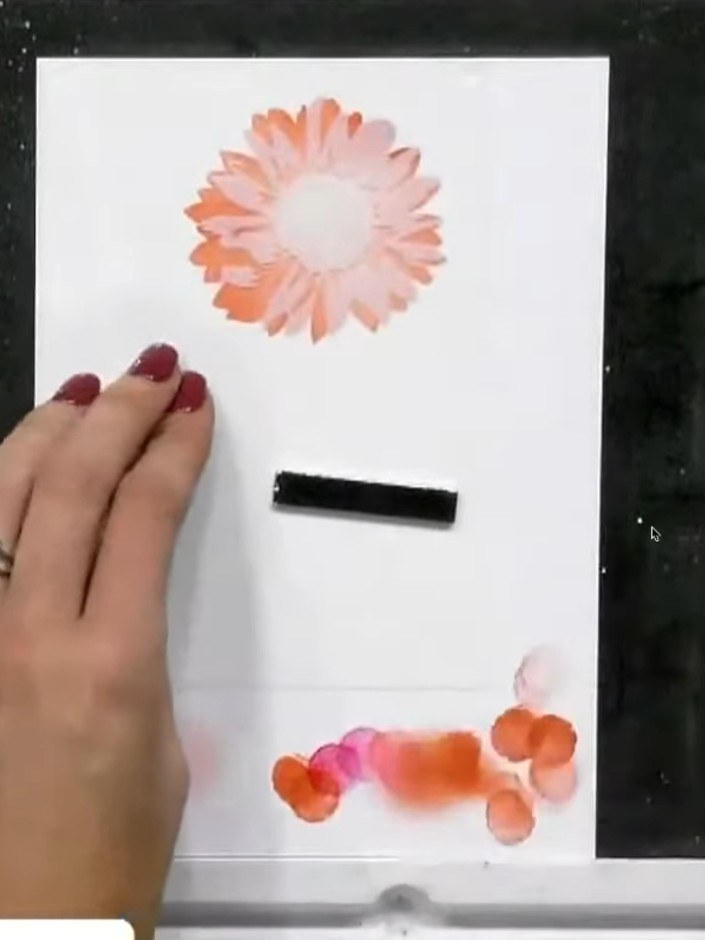
Position stencil number four over your design. Using the blending brush, apply green ink to add shading and depth to the sunflower, completing the four-step stencil layering technique.
▶ ver este paso (39:30)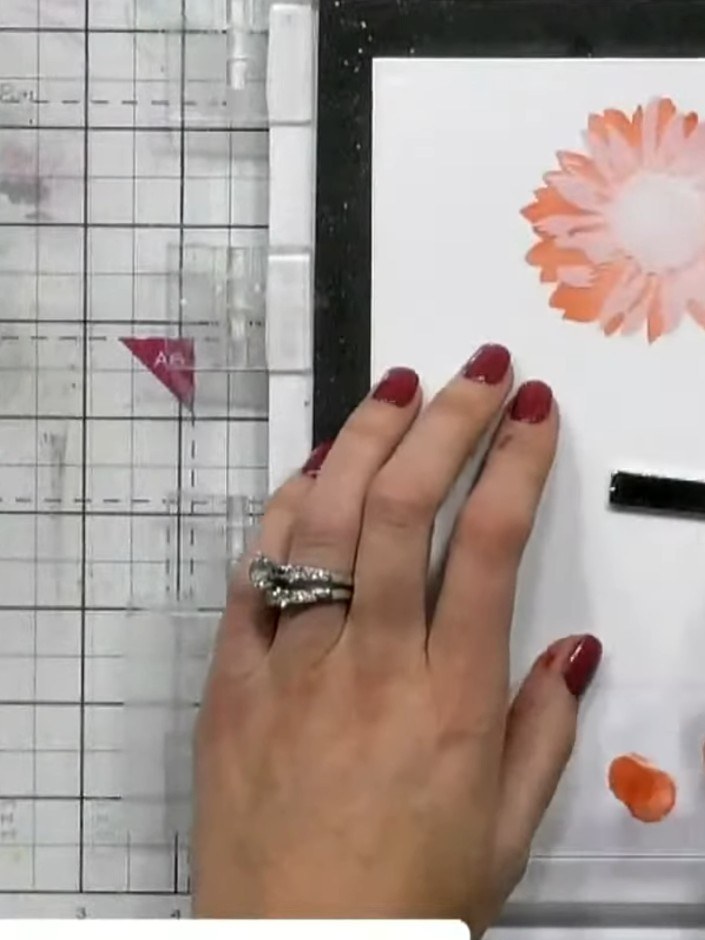
Once your stencilled flower is completely dry, position the outline die around the design. Place the card with the die onto your cutting mat and run it through your die-cutting machine to cut out the flower shape.
▶ ver este paso (40:00)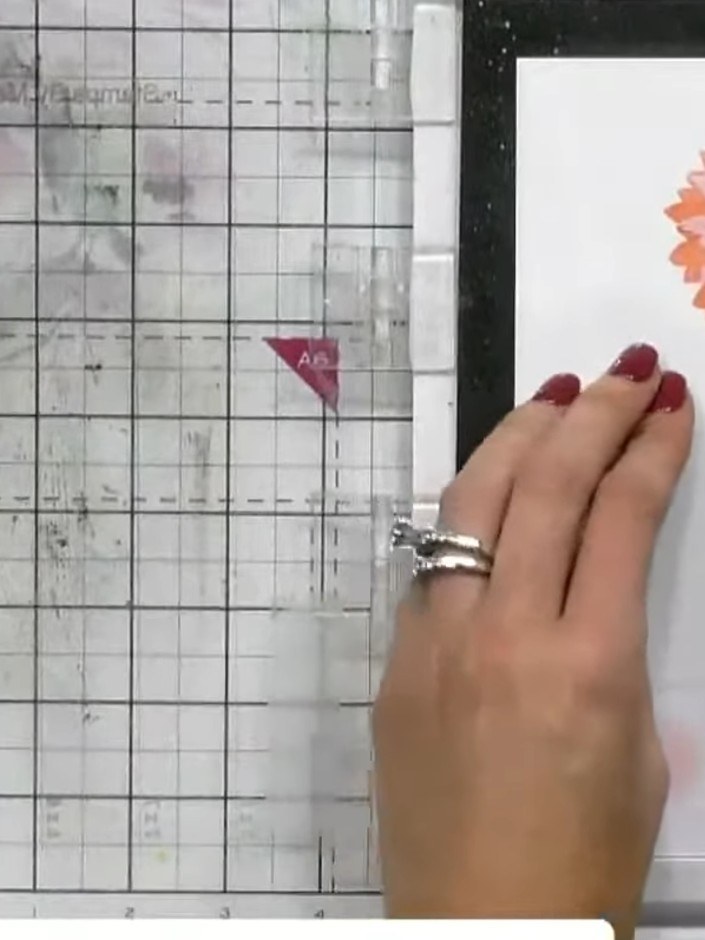
Open the 3D embossing folder and place your die-cut stencilled piece inside the folder, positioning it centrally.
▶ ver este paso (40:30)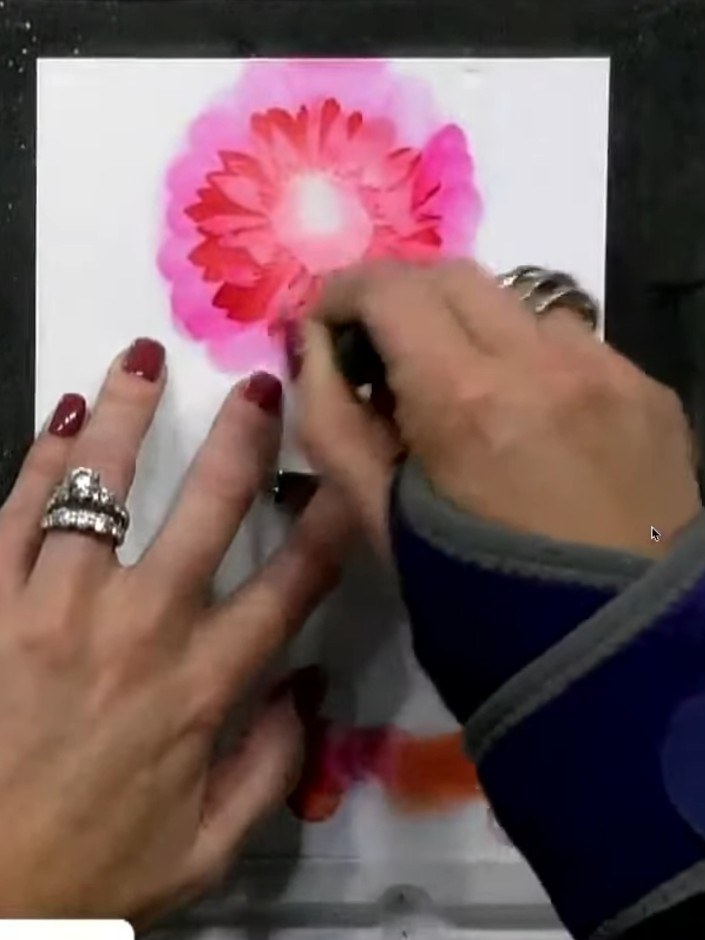
Run the embossing folder through your die-cutting machine to create the 3D effect on your card panel.
▶ ver este paso (41:00)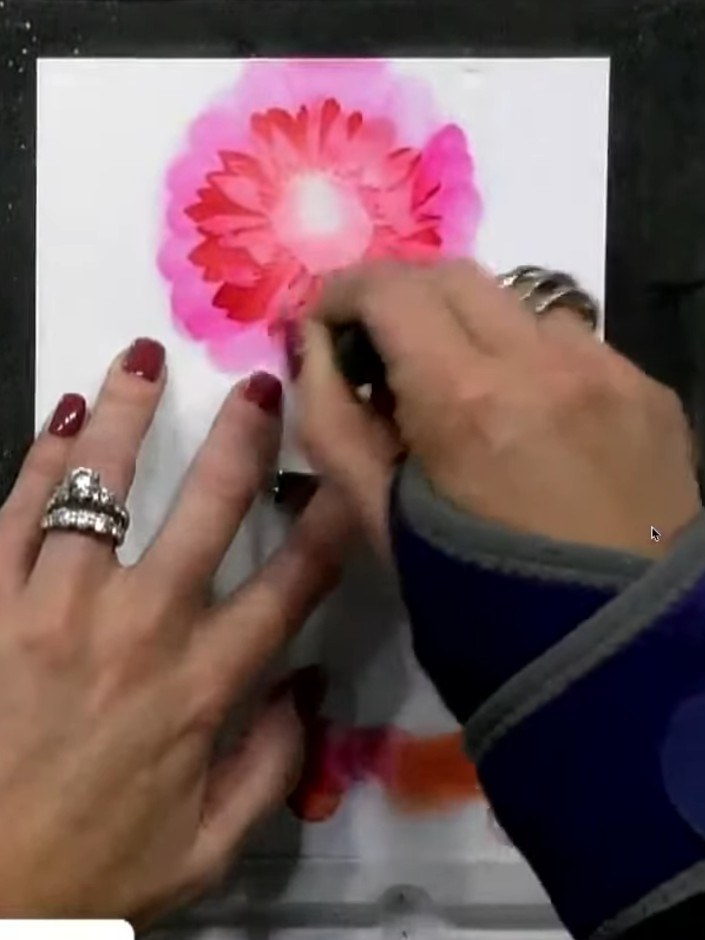
Mount the completed watercoloured sunflower element onto your card base using foam pads for dimension. Position it centrally on the card front to create your finished 3D sunflower card.
▶ ver este paso (41:30)Redactado a partir del propio programa. Mira todas las guías de nuestros programas · guías paso a paso gratis · mira en vivo en My Telly