ENLACES RÁPIDOS

info@howtocraftnetwork.com
Ahora somos más inteligentes: compra y mira con la app de SBMDESCARGA LA APPMíranos en vivo en tu smart TVVER CÓMODescubre nuestro canal IPTV exclusivo: visita my-telly.comVERAcumula puntos de fidelidad en cada pedidoMÁS INFORMACIÓN
Te damos la bienvenida a How to Craft Network
 
SBM SHOP
SÍGUENOS
REGÁLALES $10 DE DESCUENTO A TUS AMIGOS RECOMIENDA A UN AMIGO › DESCUBRE MY-TELLY.COM › AHORA SOMOS MÁS INTELIGENTES DESCARGA LA APP › CANAL GALARDONADO EN TU TV › ÚNETE AL CLUB PARA AHORRAR ›
 

Interactive Side-Fold Pocket Page

Un proyecto de nuestro programa en vivo TALLER NAVIDEÑO - Acompaña a Toni en su proyecto GRATIS desde la comodidad del Studio 3 - Transmitido el 7 de diciembre de 2022 · 12/07/2022 · velo desde 39:30
Interactive Side-Fold Pocket Page - the finished project
El proyecto terminado

Create an interactive side-fold pocket page for your scrapbook album using black cardstock. This dimensional design features a fold-out pocket that opens from the edge, perfect for tucking away photos, journaling cards or embellishments. The project uses simple folding and gluing techniques to create a functional and stylish addition to your memory keeping.
DESCARGA ESTA GUÍA (PDF)

Paso a paso

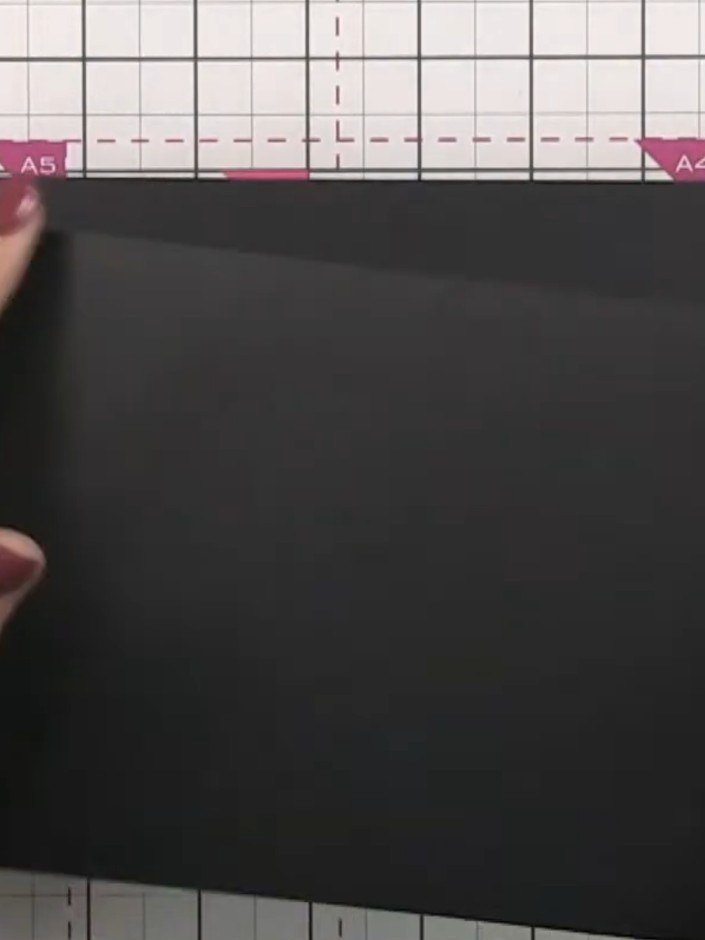
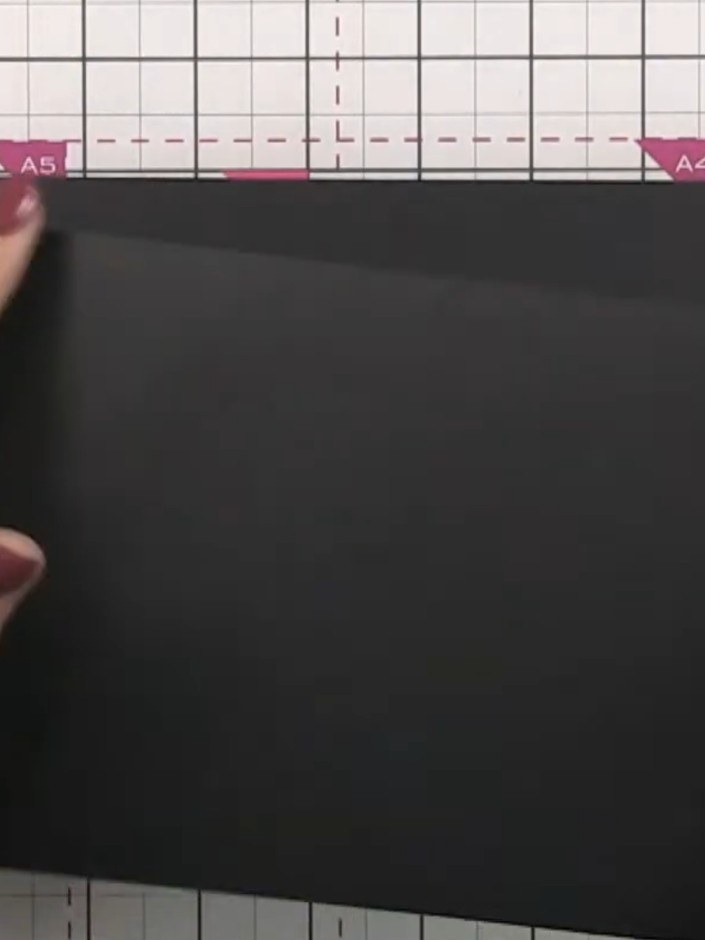
  1. Step 1: Take a black cardstock page measuring 5.5 inches tall by 8 inches long.

    Take a black cardstock page measuring 5.5 inches tall by 8 inches long.

    ▶ ver este paso (39:45)
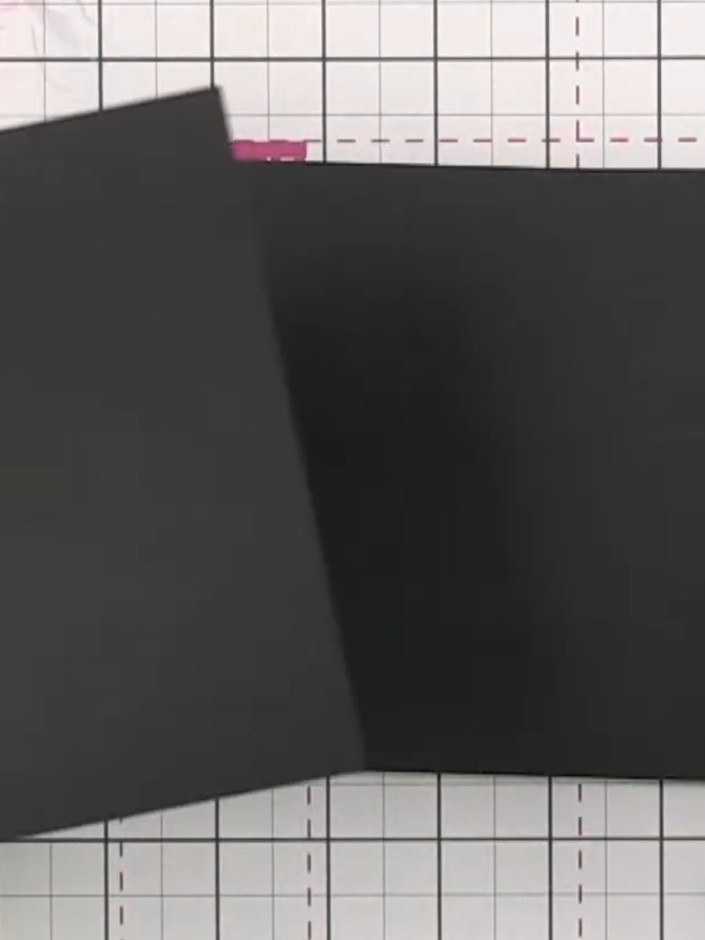
  2. Step 2: Score a line 2 inches (5 cm) from the left edge of the black cardstock to create the fold line for your pocket

    Score a line 2 inches (5 cm) from the left edge of the black cardstock to create the fold line for your pocket flap.

    ▶ ver este paso (40:00)
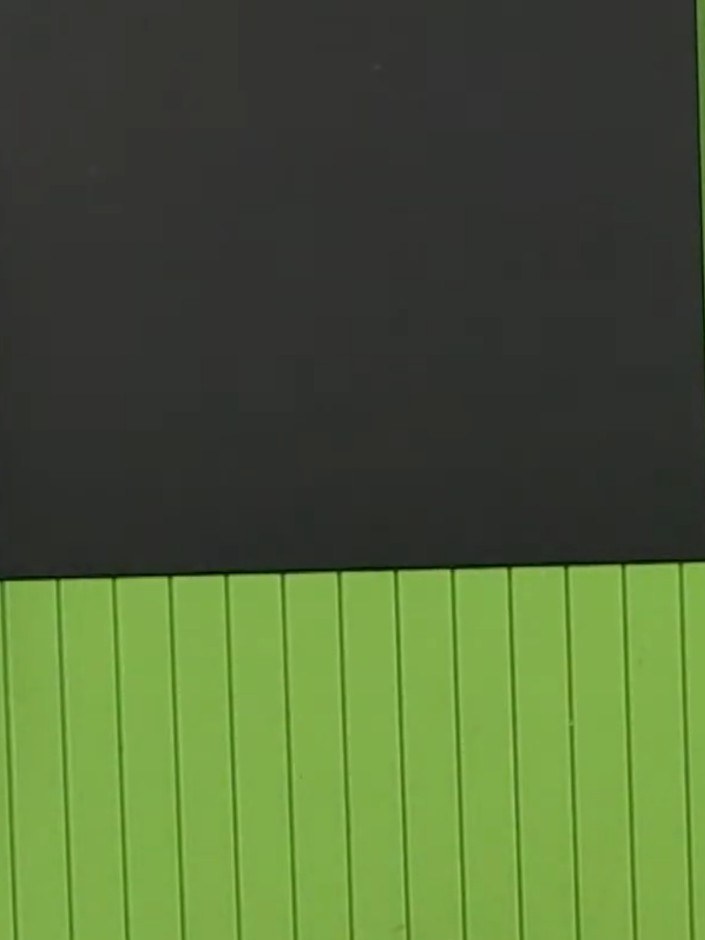
  3. Step 3: Fold the black cardstock along the score line to create the pocket flap.

    Fold the black cardstock along the score line to create the pocket flap.

    ▶ ver este paso (40:15)
  4. Apply adhesive to the folded flap of the black cardstock and attach it to the back of another page. Keep the adhesive away from the score line to ensure the page opens smoothly. ▶ watch 40:30
  5. Position the black scored panel onto the green scoring board. The panel can now be glued into your album, where it will open from the side to create an interactive pocket element. ▶ watch 41:00

Consejos del programa

Más de este programa

Redactado a partir del propio programa. Mira todas las guías de nuestros programas · guías paso a paso gratis · mira en vivo en My Telly







